Author: Tony

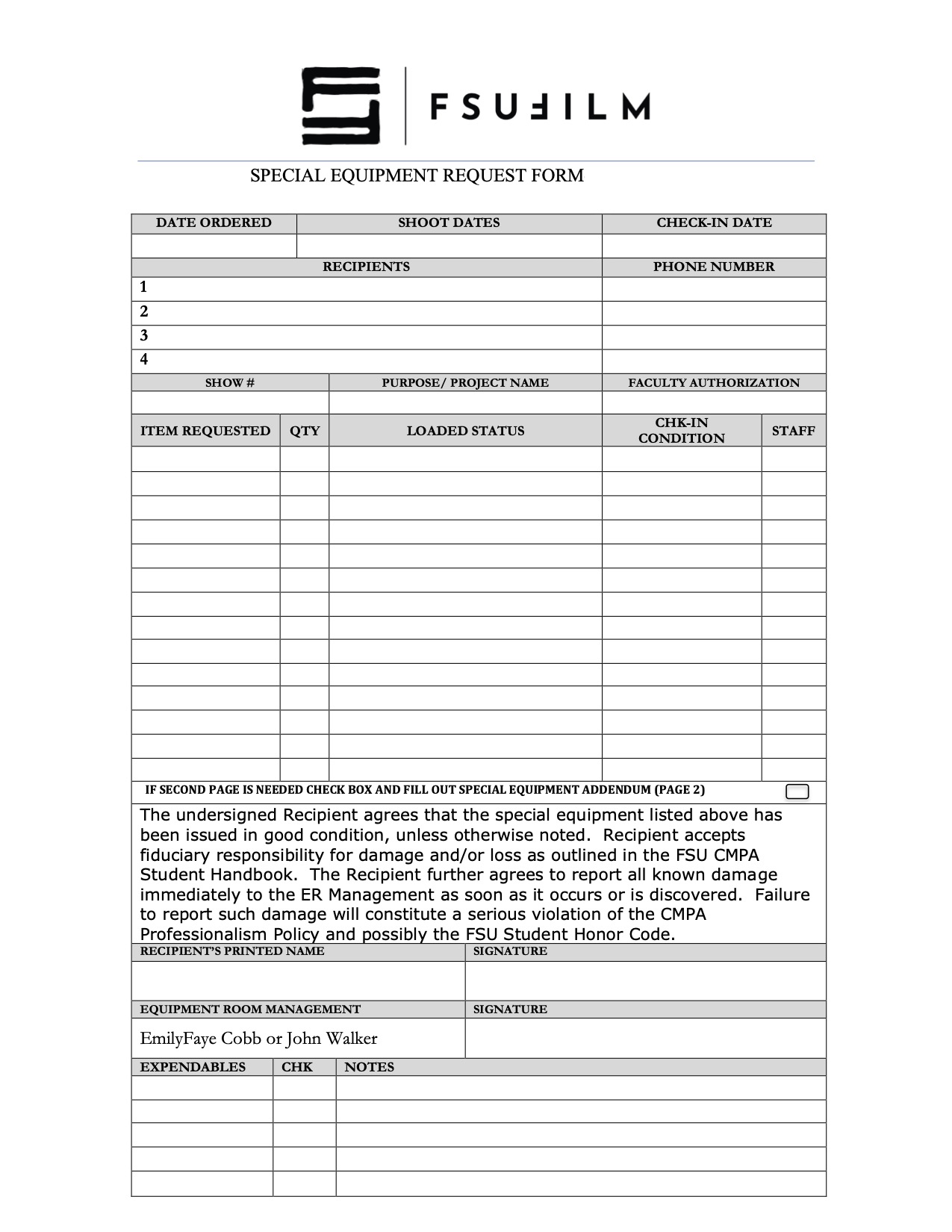
  • Special Equipment Request Form

    Overview

    The Special Equipment Request process exists to help productions gain access to tools, gear, or resources that fall outside the standard equipment packages provided by the school. This may include specialty camera support, lighting, lenses, production design materials, VFX-related tools, or other project-specific needs that require advance review and approval.

    Because equipment availability, staffing, budgets, and safety considerations are limited, requests must be carefully evaluated to ensure that resources are allocated fairly and responsibly across all productions. The request process also encourages students to think critically about whether specialized equipment meaningfully supports the creative goals of the project, rather than being used unnecessarily. Learning how to justify and plan for technical needs is an important part of professional pre-production and production management.

  • Press Kit Template

    Overview

    A press kit serves as a production’s professional public-facing package, providing press outlets, distributors, collaborators, festivals, and audiences with essential information about the film. This template is designed to help students organize and present materials in a clear, polished, and industry-standard format, including items such as synopses, credits, bios, stills, contact information, and director statements.

    Beyond simple promotion, the press kit helps define how a project is positioned and understood externally. A thoughtful, cohesive press kit can significantly strengthen a film’s festival presence and professional presentation. Learning how to prepare these materials is an important part of understanding the broader lifecycle of a film beyond production itself, including marketing, exhibition, and audience engagement.

  • Thumbnail Templates

    Overview

    Thumbnail images are often the first point of contact audiences have with a film online, making them an important part of a project’s overall presentation and discoverability. This post provides standardized thumbnail templates to help maintain visual consistency across school-related promotional materials and online showcases.

    The use of templates ensures that projects meet technical specifications while encouraging students to think strategically about visual communication and audience engagement. Effective thumbnails should clearly represent the tone and identity of the project while remaining legible and visually compelling across a range of screen sizes and platforms. Developing an understanding of these presentation standards is increasingly important in contemporary distribution environments.

    Production Paperwork

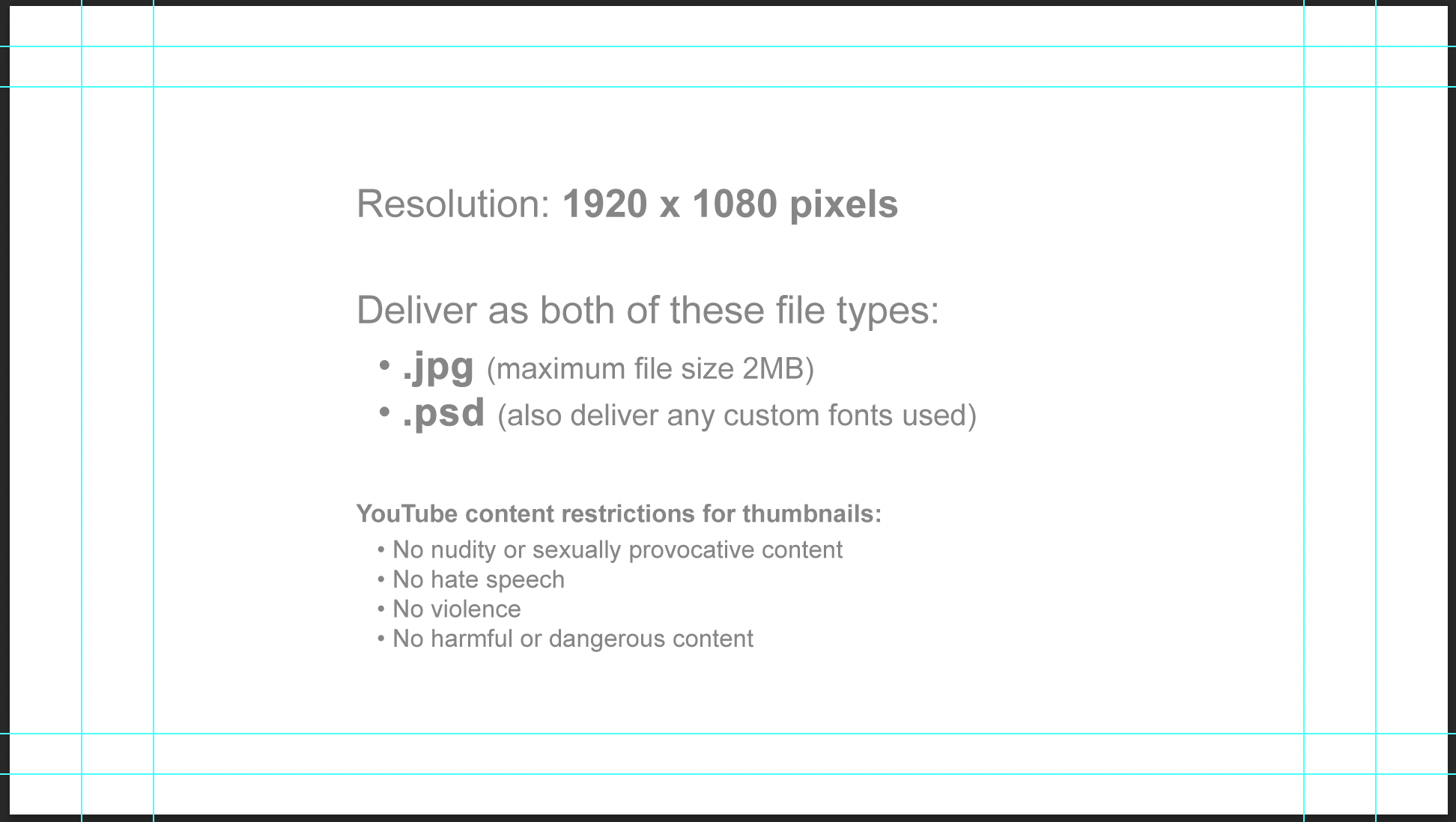
    Horizontal thumbnail template:

    Horizontal thumbnail specs

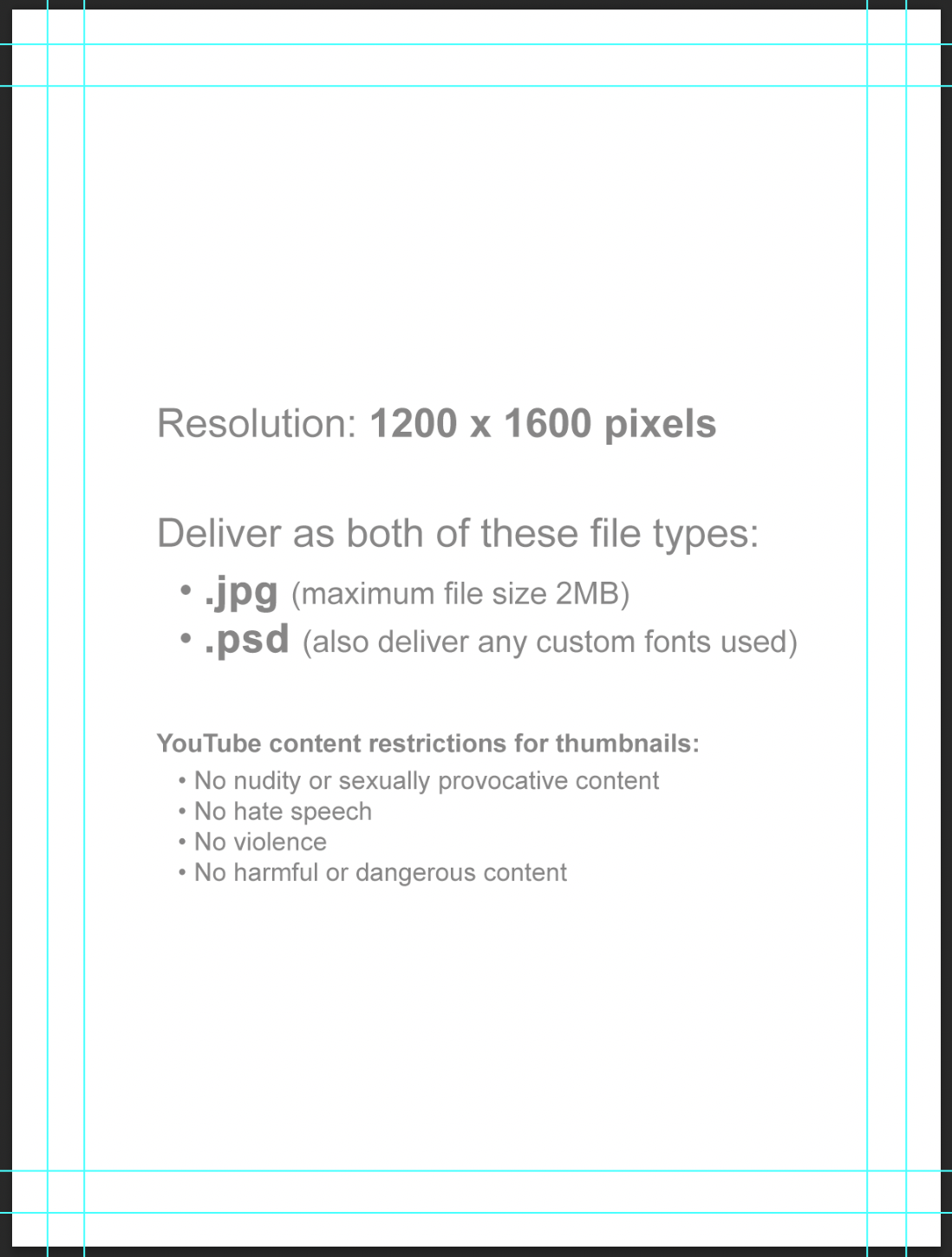
    Vertical thumbnail template:

    Vertical thumbnail specs

    Instructions

    Thumbnail images will be used in displays online (Vimeo, YouTube, etc). Since some websites use horizontal thumbnails (1920×1080) and some use vertical thumbnails (1200×1600), you will deliver one of each.

    Each thumbnail should contain two elements:

    1. A carefully selected image that fills the entire frame (i.e., no letterboxing or black bars). This image is typically derived from either the poster or one of the production stills.
    2. The title of the film. Ideally, for consistency of branding, this should match the font design of the title on the poster. No other text should appear in the thumbnail.

    Examples:

    Example of a horizontal thumbnail
    Horizontal (1920x1080px)
    Example of a vertical thumbnail
    Vertical (1200x1600px)

    Do:

    • Save a flattened JPG file (maximum file size 2MB) and a layered PSD file (also deliver any custom fonts used).
    • Keep all of your layers inside the appropriate folders, so that everything remains well-organized when you deliver the final Photoshop file. Make sure all of your layers have appropriate names, so that someone else could make sense of what each layer is.

    Do Not:

    • Do not adjust the dimensions or resolution of the file. It’s set up to meet the specs needed for online viewing.
    • Note these online content restrictions for the thumbnails:
      • No nudity or sexually provocative content
      • No hate speech
      • No violence
      • No harmful or dangerous content
  • Daily Reporting

    Overview

    Daily reporting involves documenting the progress, activities, and logistical details of each production day throughout the F2 process. This may include information related to completed work, scheduling progress, production delays, crew activity, equipment usage, expenses, incidents, or other operational details generated during filming.

    Accurate daily reporting is important because it creates an ongoing record of the production’s status across the course of the shoot. Consistent reporting practices also help productions identify problems early, track progress against the schedule, maintain accountability, and preserve important documentation that may be needed later during post-production, delivery, or administrative review.

    Project Meeting

    The Director(s) of each project will have a required Zoom meeting with Valerie some time during the project’s production window. Each team should schedule those meeting times with Valerie and add them to your Production Schedule in Google sheets.

    Daily Reporting

    Each group must post a report in the group’s Teams channel by 9:00 PM (EST) every day during F2 Production. Missing, late, or incomplete reports will result in a grade reduction for all members of the group. Directors should post on their shoot days, and anyone can post on non-shoot days.

    Each day’s report should include the following information:

    1. What did you accomplish today?

    • A short summary of the day’s events

    2. Photo of the day

    • If it was a shoot day, then include a behind-the-scenes photo.
    • If it was not a shoot day, then any photo that is indicative of the day’s events.

    3. Any additional concerns

    • Any incidents, accidents, delays, equipment problems, health concerns, etc.
  • Budgets

    Overview

    F2 productions are provided with limited production funds intended primarily to support travel, production supplies, and payment for services. This page outlines the expectations and proceduresassociated with managing and spending those production funds responsibly.

    Even at a smaller scale, learning to manage production resources is an important part of filmmaking. Budget limitations require productions to plan ahead, prioritize needs carefully, and communicate clearly about how resources will be used. The process also reinforces the professional expectation that production funds should be handled responsibly, transparently, and in support of the overall well-being of the crew.

    Allocation

    Each student will be allocated $140 to go toward documentary production expenses. This is a “use-it-or-lose-it” budget, and funds can be used in the following categories:

    • Petty Cash (which includes production design, production supplies, music or stock image licenses). You can pay for these expenses out of pocket, then get reimbursed.
    • Travel (if traveling away from Tallahassee, can include fuel, airfare, lodging, car rental, and meals). With the exception of fuel and meals, the school needs to book these expenses directly for you in advance. Do not pay out of pocket for any of these if you plan to use the school funds. You can pay for fuel and meals out of pocket, then get reimbursed.
    • Services (if you need to hire someone, like a composer). The school needs to pay for services directly, and this must be initiated at least 1 week prior to services beginning.
  • Production Schedule

    Overview

    The F2 production schedule outlines the overall timeline established for the documentary production process, including major phases such as development, pre-production, filming, and post-production. The schedule is designed to provide structure and pacing across the semester, helping ensure that each stage of the process has an appropriate amount of time for planning, execution, revision, and completion.

    F2-2026 Schedule

    Jan 8 – Feb 27Development & Pre-Production
    Feb 6Equipment Check-Out
    Feb 19-20F2 Group Logistics Meetings
    Feb 25-26F2 Group Greenlight Meetings
    Mar 2-20F2 Production
    Mar 24 – Apr 1Paper Edits
    Mar 27Equipment Check-In
    Apr 2-28Post-Production
    May 1F2 Screening
  • Producer Responsibilities

    Overview

    The producer serves as the primary organizational and managerial lead of the production, overseeing the broader coordination of the project across development, pre-production, production, post-production, and delivery. Responsibilities may include managing schedules, coordinating communication between departments, overseeing logistics, monitoring production progress, helping resolve problems, and ensuring that the production remains aligned with the practical realities of time, staffing, safety, and available resources.

    Within the collaborative structure of film production, the producer is ultimately responsible for helping guide the project to successful completion while balancing creative goals against operational limitations. Unlike roles focused primarily on on-set execution or departmental coordination, the producer maintains a wider view of the entire production process and helps ensure that all parts of the project continue moving forward cohesively. The role also helps students develop leadership, communication, organizational, and decision-making skills that are central to professional producing workflows.

    Pre-Production

    Leadership & Production Oversight

    • Help maintain overall production momentum during prep
    • Identify potential risks or scheduling concerns early
    • Support collaboration between creative and logistical departments
    • Balance creative ambitions against practical production realities
    • Participate in prep meetings with department heads and faculty
    • Double check every logistical piece of information to make sure nothing has been forgotten

    Production Planning & Scheduling

    • Break down the shooting script
    • Create a schedule in Movie Magic Scheduling
    • Oversee the overall pre-production timeline
    • Coordinate with the 1st AD on scheduling and prep progress
    • Track deadlines and departmental deliverables
    • Help ensure the production is realistically achievable within available resources and time

    Communication & Coordination

    • Oversee the Teams channel for the show
    • Serve as a central communication hub between departments
    • Organize meetings to maintain production-wide information flow
    • Follow up on unresolved logistical or departmental issues
    • Help ensure that departments remain aligned throughout prep
    • Supervise the 2nd AD in the creation of the Call Sheet

    Locations & Logistics

    Paperwork & Administrative Oversight

    Resource & Operations Management

    • Monitor production resources and operational needs
    • Purchase craft services by the night before production
    • Pre-order lunch and arrange for its pickup or delivery
    • Help departments identify logistical needs
    • Check the weather periodically to monitor adverse conditions
    • Have a back-up plan
    • Arrange for volunteer(s) if needed

    Greenlight Meeting

    • Attend a greenlight meeting with the Head of Production, during which you will review/update the M1 scope breakdown and finalize all location documents

    On Set

    FIRST HALF OF THE DAY

    • The Pre-Pro crew (PR, DR, PD, DP, AR, 1D, 2D, SS) will have 2 hours at the start of the day to prepare for the day, including any remaining set decoration, shot designing, etc.
    • Deliver the craft services to the 2nd AD for them to set up the craft service table.
    • Give the 2nd AD all the paperwork you prepared ahead of time for them to have completed throughout the day.
    • Verify with volunteer or caterer that lunch will be brought to set in time to set it up prior to releasing for lunch.

    LUNCH

    • Make sure 2nd AD has lunch set up and ready by the time lunch is to be served.
    • Make sure lunch does not exceed one hour.

    SECOND HALF OF THE DAY

    • Make sure everything is going as planned. Help troubleshoot as needed.

    END OF DAY

    • At Camera Wrap, make sure crew wraps safely and efficiently. Make sure to have Company Wrap on time.
    • Collect all the Daily Production Paperwork and Camera Card from the 2nd AD.
    • With 2nd AD, clean and secure location. Be the LAST TO LEAVE (except perhaps Art Dept).
    • Leave the location better than when you arrived.
    • Approve the Daily Production Report and have 2nd AD distribute copies at the end of the day.

    Post-Production

    • Turn in Camera Reports and Camera Card and Sound Card to the drop box in the Equipment Room as soon as possible after wrap. Be sure to scan a copy of the Camera Report first for your delivery.
    • Send a Thank You Letter to the location owner/authorized agent.
    • Submit Reimbursement Voucher, along with original itemized receipts and Meal Sign-In sheet to the Film School Accountant by 6pm on the Tuesday after production.
    • Turn in Production Delivery Paperwork via the links in the handbook to the Head of Production by 6pm on the Friday after production.
  • 1st AD Responsibilities

    Overview

    The 1st Assistant Director is responsible for managing the shooting schedule and overseeing the day-to-day operation of the set during production. This includes coordinating the work of departments on set, maintaining production pace, monitoring safety concerns, communicating priorities to the crew, and helping ensure that the production remains on schedule throughout the shooting day.

    The 1st AD serves as the primary operational leader on set, balancing the creative ambitions of the director and department heads against the practical realities of time, staffing, resources, and budget. While students sometimes misunderstand the position as simply enforcing the schedule or “watching the clock,” effective assistant directing requires constant collaboration, communication, and problem-solving in support of both the film’s creative goals and the producer’s responsibility to successfully complete the day’s work. Strong 1st AD leadership helps productions remain organized, safe, efficient, and creatively focused even under demanding production conditions.

    Pre-Production

    • Break down the script and create the Production Schedule in Movie Magic Scheduling.
    • Organize and run the Tech Scout for each location. Establish where the restrooms, parking, staging, base camp and set will be.
    • Run the Production Meeting.
    • Meet with the Producer to discuss the schedule.
    • Create a Setup Schedule with the DR and DP.
    • Approve the Call Sheet and have 2nd AD distribute copies.
    • Check the weather periodically to monitor adverse conditions. Have a back-up plan.
    • Double check every logistical piece of information and make sure nothing has been forgotten.

    On Set

    • Start of day:
      • Arrive at set 30 minutes before call time.
      • Get a walkie from the 2nd AD, then go stand where the set will be and stay there. Radio 2nd AD to bring you whatever you need.
      • At call time, have a Safety Meeting with the entire crew. Complete the Safety Meeting Report.
    • Throughout the day:
      • Run through the 1st AD Set Procedure: Block, New Deal, Build, Rehearse, Shoot…
      • Manage the time on the set by keeping up with the Setup Schedule. Adjust schedule as needed.
      • Look ahead to next setups and make sure departments are prepared and working ahead.
    • End of day:
      • Approve the Daily Production Report and have 2nd AD distribute copies within 2 hours after company wrap.
      • Approve the following day’s Call Sheet and have 2nd AD distribute copies.
  • Producer Responsibilities

    Overview

    The producer serves as the primary organizational and managerial lead of the production, overseeing the broader coordination of the project across development, pre-production, production, post-production, and delivery. Responsibilities may include managing schedules, coordinating communication between departments, overseeing logistics, monitoring production progress, helping resolve problems, and ensuring that the production remains aligned with the practical realities of time, staffing, safety, and available resources.

    Within the collaborative structure of film production, the producer is ultimately responsible for helping guide the project to successful completion while balancing creative goals against operational limitations. Unlike roles focused primarily on on-set execution or departmental coordination, the producer maintains a wider view of the entire production process and helps ensure that all parts of the project continue moving forward cohesively. The role also helps students develop leadership, communication, organizational, and decision-making skills that are central to professional producing workflows.

    Pre-Production

    • Do a script breakdown and production schedule using Movie Magic Scheduling. Update as needed.
    • Complete a budget for the film using Movie Magic Budgeting. Update as needed.
    • Make sure the show’s channel in Teams is kept up to date with the latest draft of the script, as well as updates on casting, locations, and other logistical elements.
    • Work on Location Scouting to find potential shooting locations. Complete a Location Hazard Assessment Checklist. If any location hazards, then also complete a Hazard Notification Report.
    • Secure each filming location by completing a Location Agreement and Shooting Plan. Make sure the location owner is clear about the nature of the production.
    • Have each actor sign a Performance Agreement.
    • Arrange for volunteers and/or extras if required.
    • Prepare all scheduling information and other material required for the Tech Scout.
    • Assist the Director with any and all logistical needs to prepare for principal photography.
    • Attend the Production Meeting. Discuss any logistics and answer crewmembers’ questions.
    • Check the weather periodically to monitor adverse conditions. Have a back-up plan.
    • Meet with the 1st AD to discuss the schedule.
    • Purchase Craft Services by the night before production.
    • Pre-order lunch and arrange for it to be picked up by a volunteer on the day of production.
    • Have a Greenlight Meeting with the Head of Production.
    • Double check every logistical piece of information and make sure nothing has been forgotten.

    On Set

    • Start of day:
      • Arrive at set at least 30 minutes early.
      • Immediately establish contact with the location owner to make sure everything is still going as planned. Check back with them periodically throughout the day as needed.
    • Throughout the day:
      • Make sure everything is going as planned throughout the day, and troubleshoot logistics as needed.
      • Be another set of eyes at the tap monitor to make sure all is going as planned.
    • End of day:
      • With 2nd AD, clean and secure location. Be the LAST TO LEAVE (except perhaps Art Dept).
      • Whenever possible, do a walk-thru with the location owner to verify everything is in order.
      • Leave the location better than when you arrived.
      • Drop off the camera reports, camera cards & sound cards in the ER dropbox.

    Post-Production

    • Turn in Production Delivery Paperwork via OneDrive to the Head of Production by 9am Thursday after production.
    • Turn in the hard copy originals of the Reimbursement Voucher, itemized receipts, and Meal Sign In Sheet to the Film School Accountant by 9am Thursday after production.
  • Budgets

    Overview

    M2 productions are expected to develop and maintain production budgets that track anticipated expenses, resource allocation, departmental needs, and overall financial planning throughout pre-production and production. This page provides information about the budget allocations for each show and accounting procedures that need to be followed.

    Budgeting is a fundamental part of filmmaking because creative decisions must constantly be balanced against practical limitations such as time, labor, equipment, transportation, locations, and available funding. Developing realistic budgets helps productions plan more effectively, avoid preventable logistical problems, and better understand how financial decision-making shapes professional production workflows.

    Lunch & craft

    For each live action show, a dollar amount is provided for every assigned crew member, plus two actors and one volunteer:

    • $10.00 per head lunch catering for 17 crew members and 3 actors or volunteers (20 people total): $200.00 per day.
    • $5.00 per head craft service for 17 crew members and 3 actors or volunteers (20 people total): $100.00 per day.

    Therefore, the total allocation for lunch and craft service is $600.00.

    The amount of money allocated to each film is a set amount. It does not shrink if the crew gets smaller and it does not increase if you add volunteer crew or actors. This amount is allocated as part of the necessary budget the school provides, based on the scope of the production.

    Food budgets are allocated to live action productions only and are considered part of the “Provided Production Costs” because meal time is regulated and crew members are not allowed to leave set.

    You may use the total funds for food in any way you wish, as long as it goes only to catering and craft service. This is a “use-it-or-lose-it” budget.

    DISCRETIONARY FUNDS

    Each production is allocated an additional $600.00 of discretionary funds. The Producer should discuss with the their department heads the best use of those funds. Then using the budget form provided by the Head of Production, the Producer should enter the budgeted amounts into the appropriate budget categories.

    BUDGET FORM

    The Producer must submit the completed Budget Form to the Head of Production for review and approval. Once the budget has been approved, further revisions must be approved by the Head of Production.

    DEADLINES

    All Production expenses must be completed no later than the last day of the Summer semester.
    This includes submitting:

    • All Reimbursement Vouchers for reimbursement
    • All receipts to reconcile any outstanding Cash Advances
    • All invoices from any open contractor’s Purchase Orders
    • All travel receipts for any open Travel Expense Reports