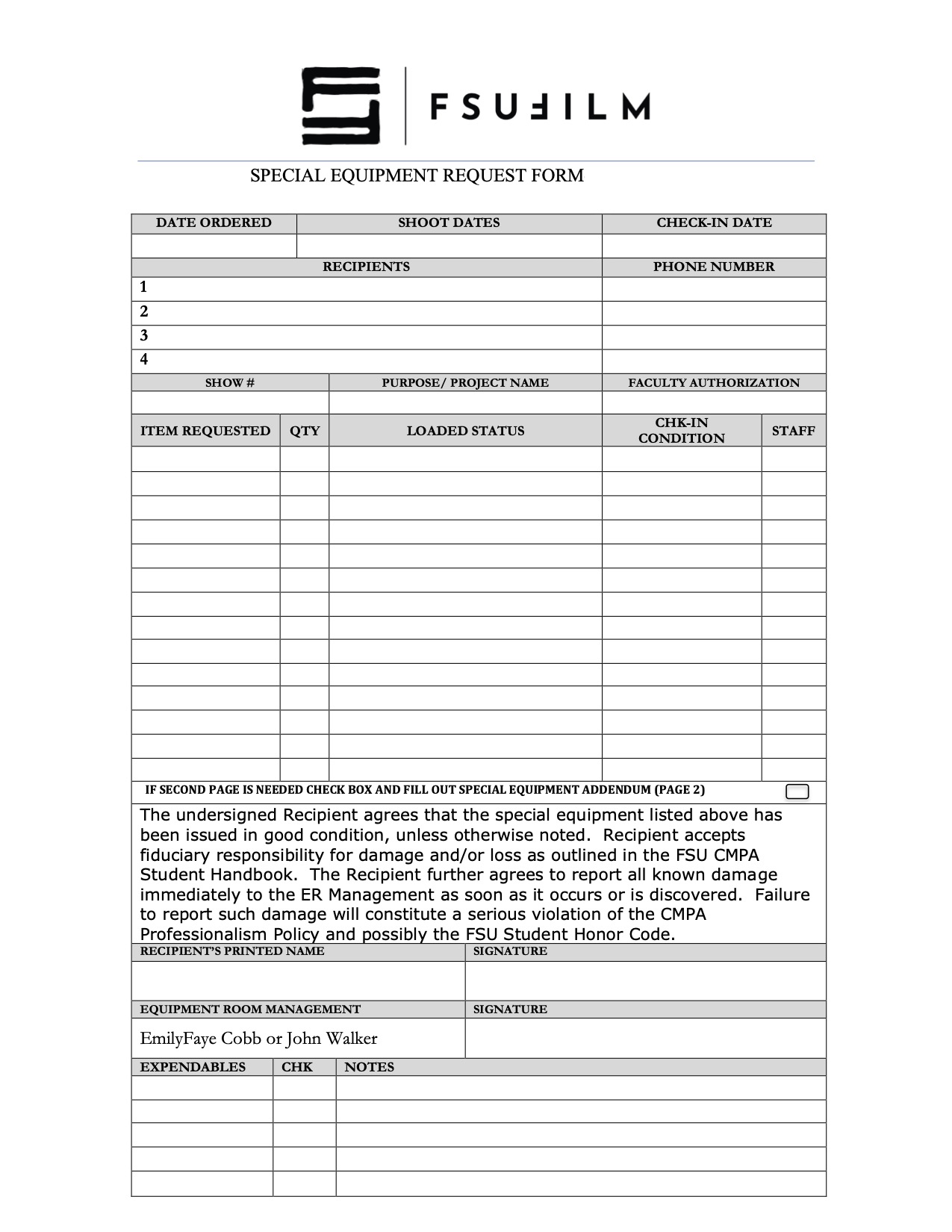
The Special Equipment Request process exists to help productions gain access to tools, gear, or resources that fall outside the standard equipment packages provided by the school. This may include specialty camera support, lighting, lenses, production design materials, VFX-related tools, or other project-specific needs that require advance review and approval.
Because equipment availability, staffing, budgets, and safety considerations are limited, requests must be carefully evaluated to ensure that resources are allocated fairly and responsibly across all productions. The request process also encourages students to think critically about whether specialized equipment meaningfully supports the creative goals of the project, rather than being used unnecessarily. Learning how to justify and plan for technical needs is an important part of professional pre-production and production management.
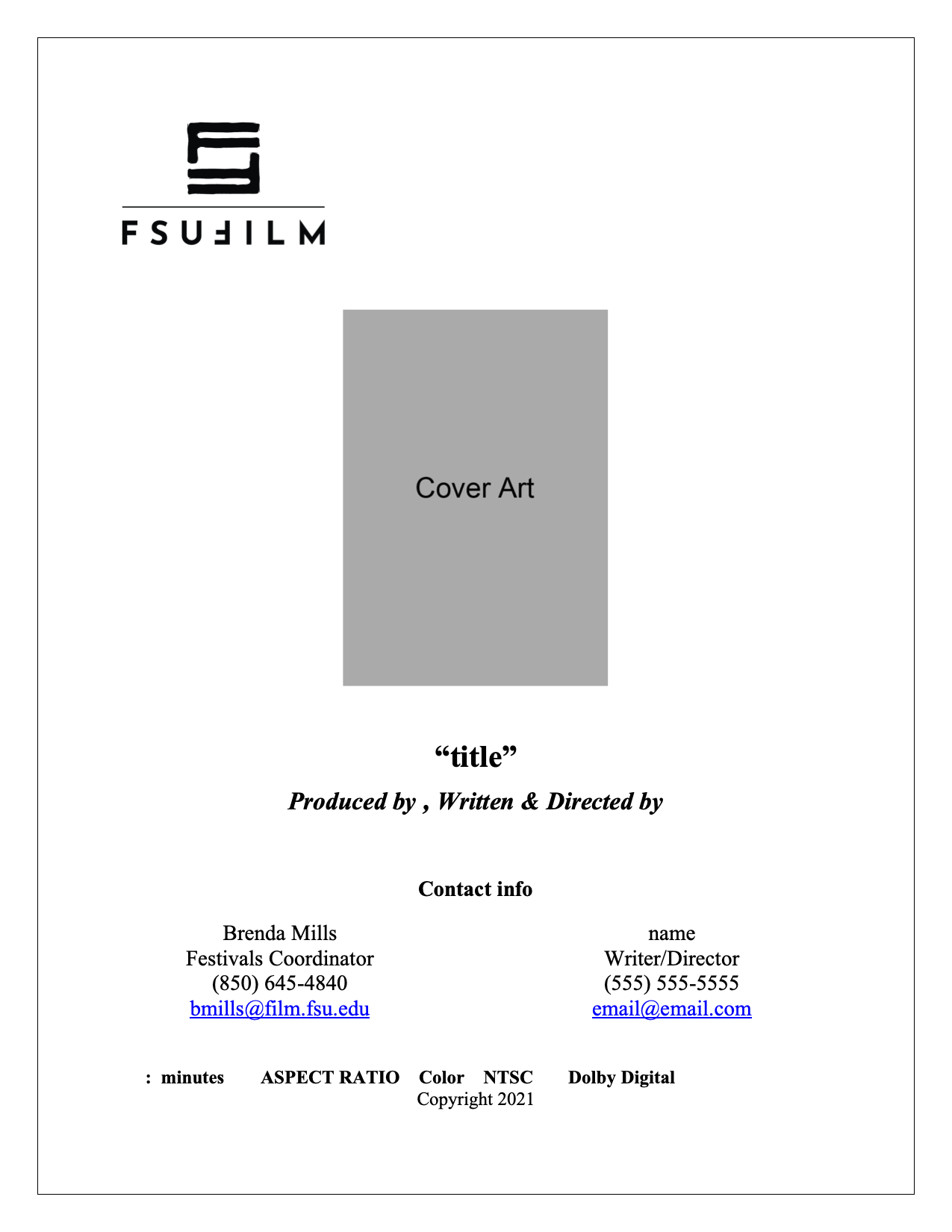
A press kit serves as a production’s professional public-facing package, providing press outlets, distributors, collaborators, festivals, and audiences with essential information about the film. This template is designed to help students organize and present materials in a clear, polished, and industry-standard format, including items such as synopses, credits, bios, stills, contact information, and director statements.
Beyond simple promotion, the press kit helps define how a project is positioned and understood externally. A thoughtful, cohesive press kit can significantly strengthen a film’s festival presence and professional presentation. Learning how to prepare these materials is an important part of understanding the broader lifecycle of a film beyond production itself, including marketing, exhibition, and audience engagement.
Thumbnail images are often the first point of contact audiences have with a film online, making them an important part of a project’s overall presentation and discoverability. This post provides standardized thumbnail templates to help maintain visual consistency across school-related promotional materials and online showcases.
The use of templates ensures that projects meet technical specifications while encouraging students to think strategically about visual communication and audience engagement. Effective thumbnails should clearly represent the tone and identity of the project while remaining legible and visually compelling across a range of screen sizes and platforms. Developing an understanding of these presentation standards is increasingly important in contemporary distribution environments.
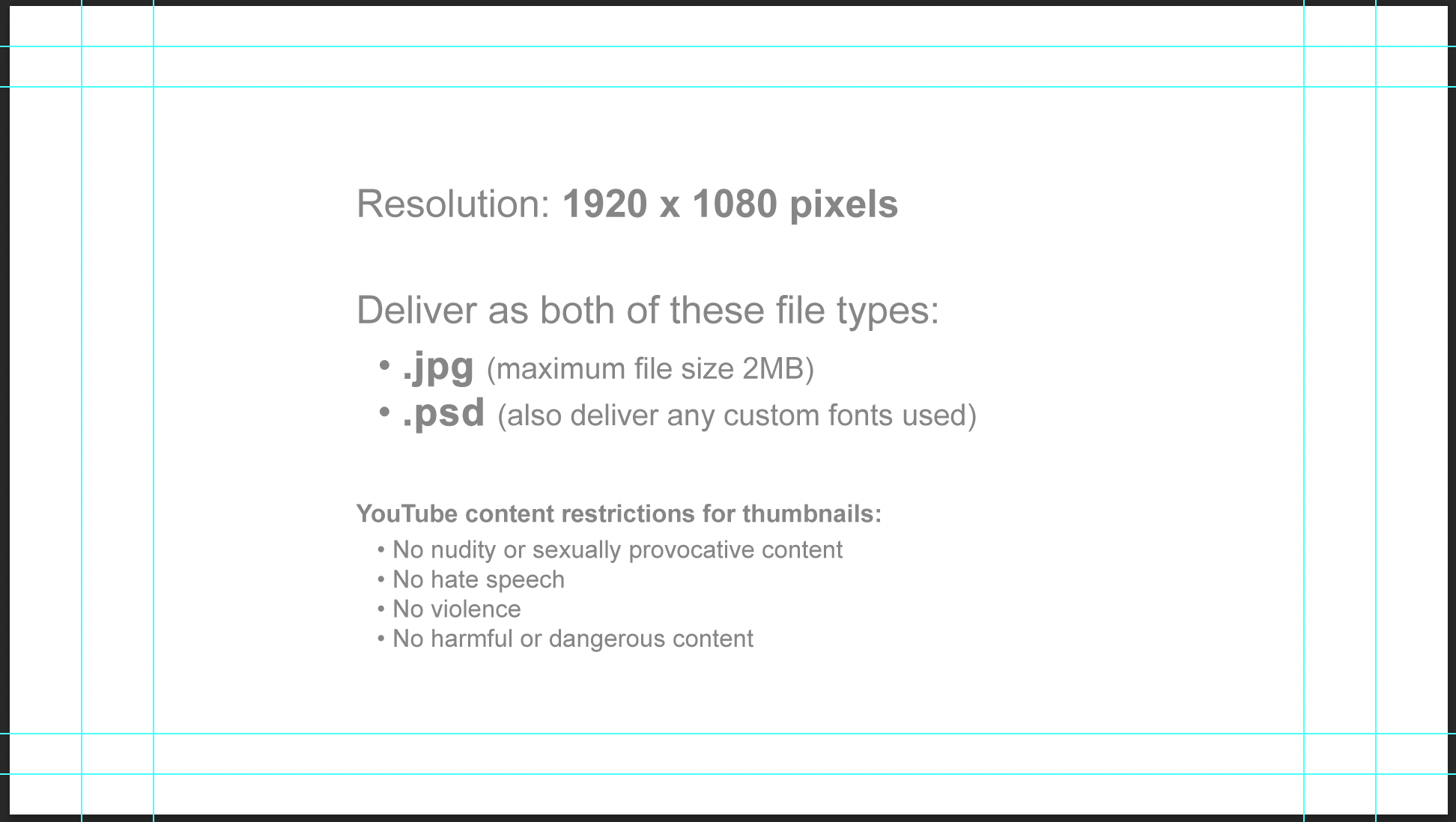
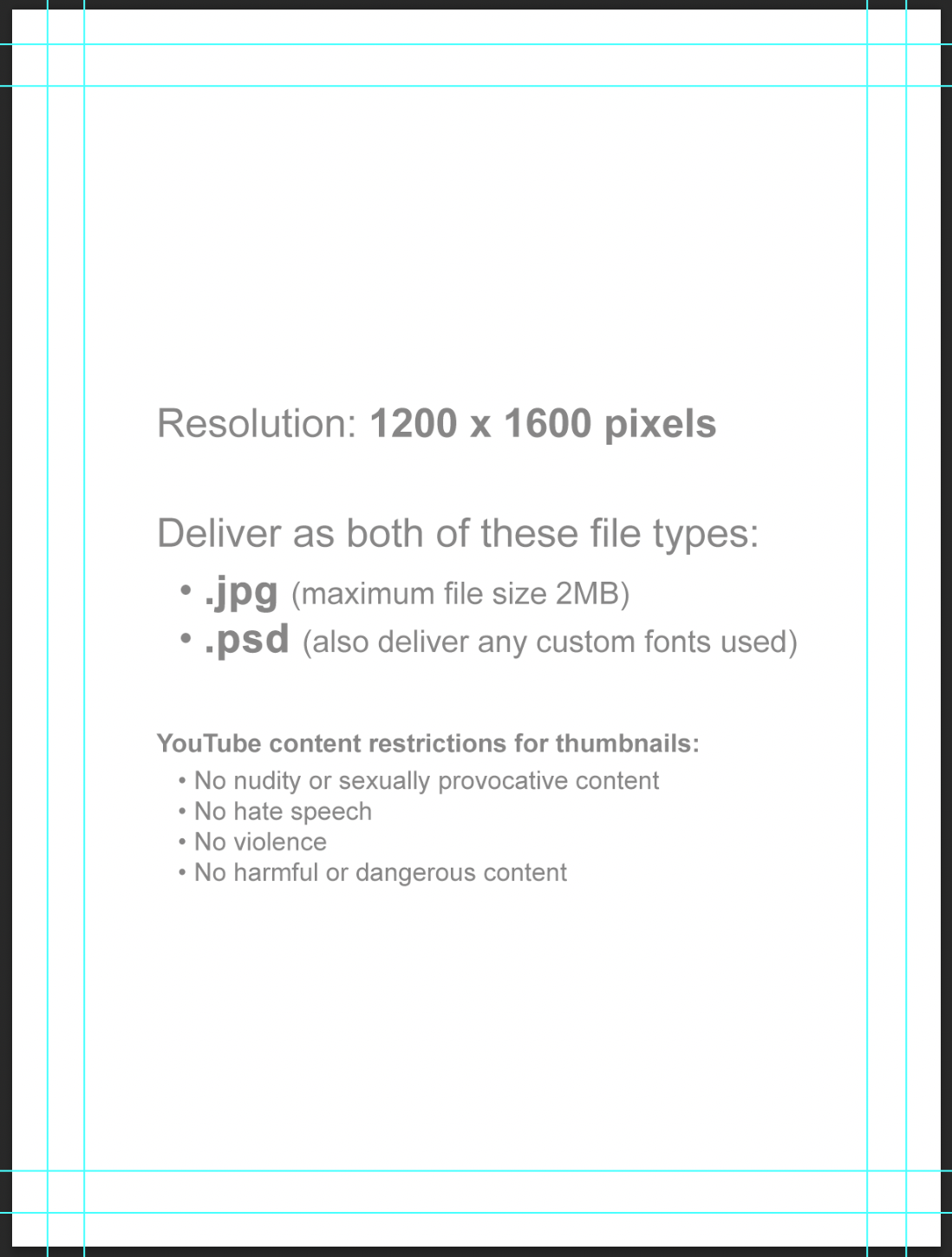
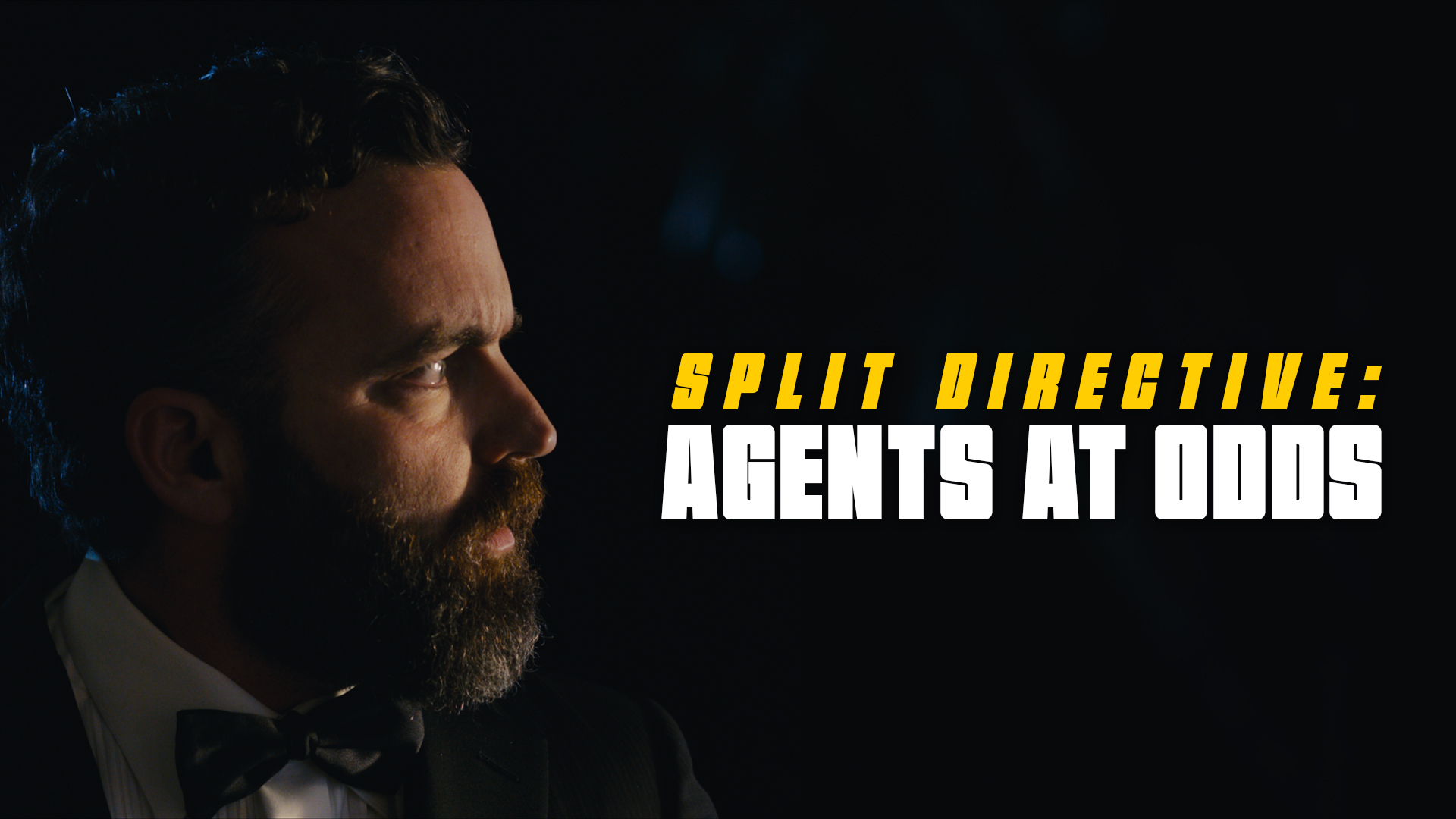
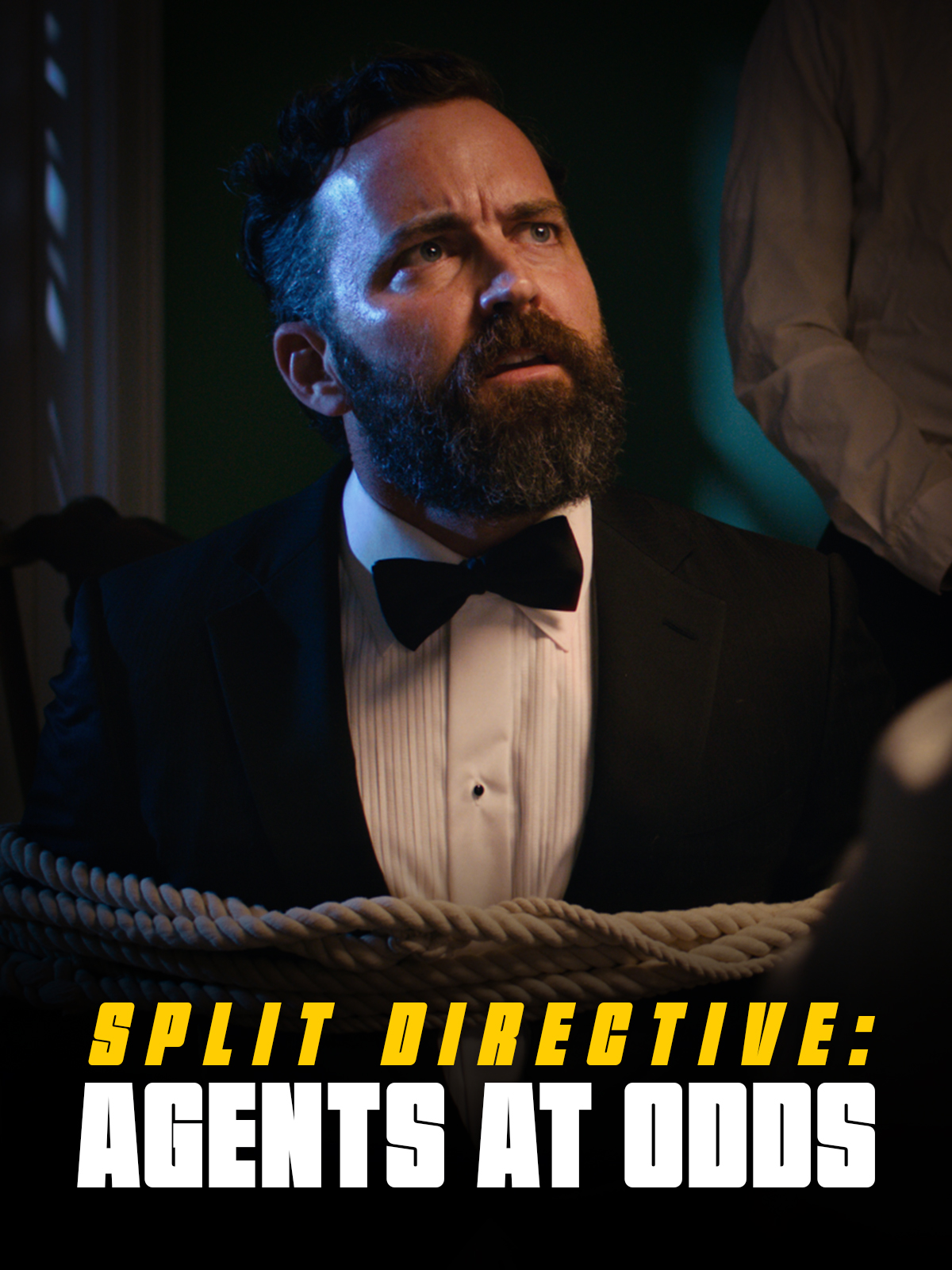
Thumbnail images will be used in displays online (Vimeo, YouTube, etc). Since some websites use horizontal thumbnails (1920×1080) and some use vertical thumbnails (1200×1600), you will deliver one of each.
Each thumbnail should contain two elements:
A carefully selected image that fills the entire frame (i.e., no letterboxing or black bars). This image is typically derived from either the poster or one of the production stills.
The title of the film. Ideally, for consistency of branding, this should match the font design of the title on the poster. No other text should appear in the thumbnail.
Examples:
Horizontal (1920x1080px)Vertical (1200x1600px)
Do:
Save a flattened JPG file (maximum file size 2MB) and a layered PSD file (also deliver any custom fonts used).
Keep all of your layers inside the appropriate folders, so that everything remains well-organized when you deliver the final Photoshop file. Make sure all of your layers have appropriate names, so that someone else could make sense of what each layer is.
Do Not:
Do not adjust the dimensions or resolution of the file. It’s set up to meet the specs needed for online viewing.
Note these online content restrictions for the thumbnails:
Requests for additional photography involve seeking approval for filming that takes place outside the scheduled production period. This may include inserts, establishing shots, VFX plates and elements, or any other supplemental photography needed to complete the project successfully.
Because additional photography affects scheduling, equipment access, staffing, facilities, and administrative coordination, these requests must be reviewed carefully before approval is granted. The process helps productions evaluate whether additional filming is necessary, realistically achievable, and supported by an appropriate production plan while reinforcing the importance of preparation and efficient production management during principal photography.
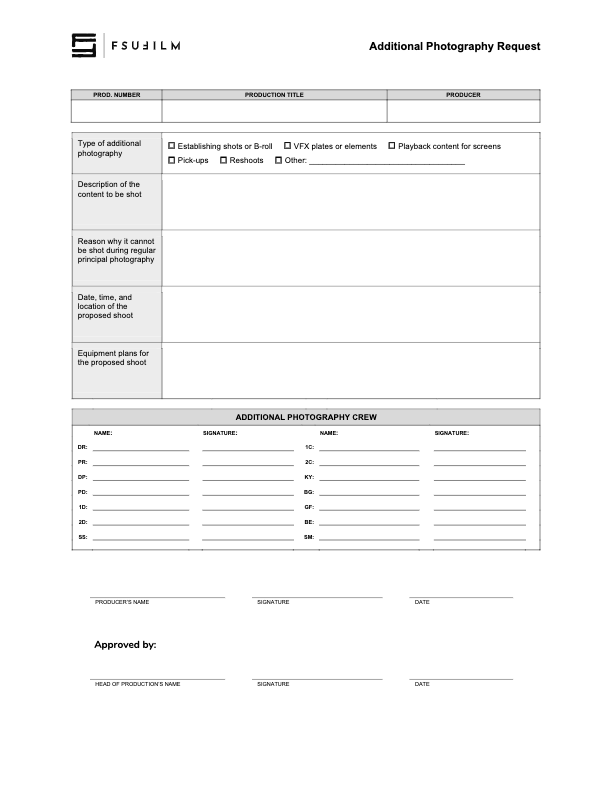
This form should be used by Producers to make a request to the Head of Production for additional photography outside of the regularly scheduled shooting days on the crew grid. Since additional photography involves time and resources, requests will not be approved automatically. Approvals will only be granted if the time and resources are available and if students make a compelling case for why the footage cannot be shot during regular principal photography.
Indicate on the form the type of additional photography that is being requested:
ESTABLISHING SHOTS OR B-ROLL Check this box if the request is for 2nd Unit shots that cannot easily be scheduled during regular principal photography. Typically these would be for shots that need to be shot at a discrete location without the involvement of principal actors, such as establishing shots at an inconveniently place location or B-roll of events that are occurring outside the regular production window.
VFX PLATES OR ELEMENTS Check this box if the request is for background plates or other photographic elements that are needed to complete visual effects shots.
PLAYBACK CONTENT FOR SCREENS Check this box if the request is for video content that would need to be shot in advance of regular principal photography in order to be played back during production.
PICK-UPS Check this box if the request is for pick-up photography. Only FC and MC shows may request pick-ups.
RESHOOTS Check this box if the request is for the reshooting of a scene where circumstances beyond the students’ control resulted in footage becoming unusable. Typically, trying to solve the problem through editorial fixes will need to be explored before a reshoot is approved.
OTHER Check this box if the request is for something different than the above examples, and provide a brief description of the type of additional photography that’s being requested.
Requests for additional photography must also include the following information:
the exact nature of the subject content to be shot;
the reason why it cannot be shot with the first unit crew during principal photography;
the date, times, and location of the proposed shoot;
a summary of the equipment plan for the shoot, including any requests for school equipment;
the crew required for the proposed shoot, including names and signatures (you’ll need to determine how many crew members you need and you’ll need to recruit them).
any additional supporting documentation can also be attached as needed.
Submit the completed request form to the Head of Production. Leave adequate time for the Head of Production to review the request and be prepared to make adjustments if any concerns need to be addressed. The Head of Production’s decision on whether to approve or deny the request is final.
Film productions operate on tight schedules with highly interdependent crews, meaning that even a single absence can significantly affect the day’s work. This protocol outlines the procedures for communicating absences, redistributing responsibilities, and maintaining continuity when a crew member is unable to participate in production activities.
The purpose of these guidelines is not only to protect the production schedule, but also to reinforce the professional expectation that filmmakers must communicate proactively and help ensure the stability of the larger team. Student productions depend on collaboration, flexibility, and accountability. Establishing clear contingency procedures helps minimize disruption while teaching students how professional productions adapt to unexpected staffing challenges.
MC Protocol
If a crew member is unable to report to work during principal photography, they must contact the show’s Producer and the Head of Production as soon as possible, and no later than two hours before call time.
The Producer and the Head of Production will then work through the following steps in sequence to determine the most appropriate solution:
If the DR unable to work, advance to Step 8.
Going down the order of On-Call, bring the first On-Call crew member on as a day player. This may involve shuffling some crew positions around if the On-Call has not been trained for the position. If that is not viable, then…
Check to see if having a smaller crew and consolidating positions will work. If that is not viable, then…
Check to see if there’s a second-year MFA who’s able to fill in. If not, then…
Check to see if there’s a first-year MFA who’s able to fill in. If not, then…
Check to see if there’s a third-year BFA who’s able to fill in. If not, then…
Check to see if there’s a first-year BFA who’s able to fill in. If not, then…
Postpone or cancel the shooting day, reworking the schedule as needed.
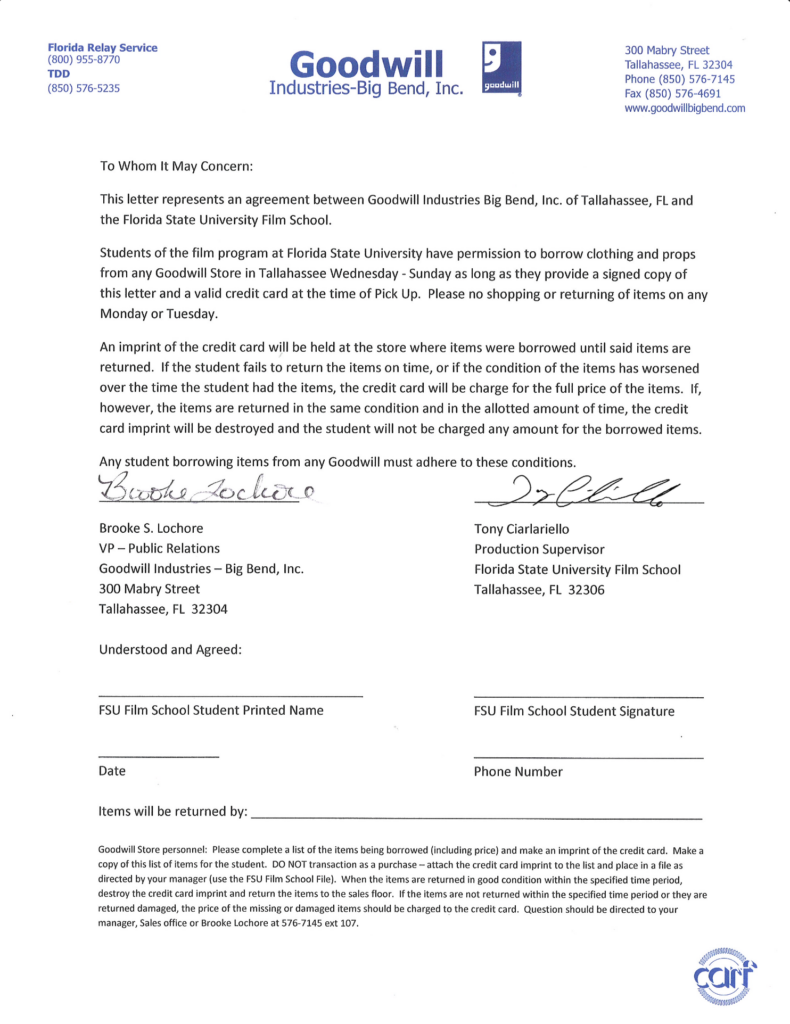
This page provides a letter that students may present to participating Goodwill stores when requesting the temporary loan of items for use in a production. The letter is intended to help communicate the nature of the arrangement and verify the production’s affiliation with the program, but individual store locations retain full discretion over whether they choose to participate or loan items to a production.
This letter may be used as an agreement between a student and Goodwill for the borrowing of clothing or props from a Goodwill store.
Students must present a signed copy of the letter and a valid credit card at the time of pick-up. Goodwill keeps the credit card on file until all borrowed items have been returned. The credit card is only charged if items are returned in a worsened condition or if items are not brought back by the agreed upon return date. In such circumstances, students are liable for the full cost of the item.
Please note that individual Goodwill stores are not obligated to loan out items, and may choose at their discretion whether to enter into an agreement with a student.
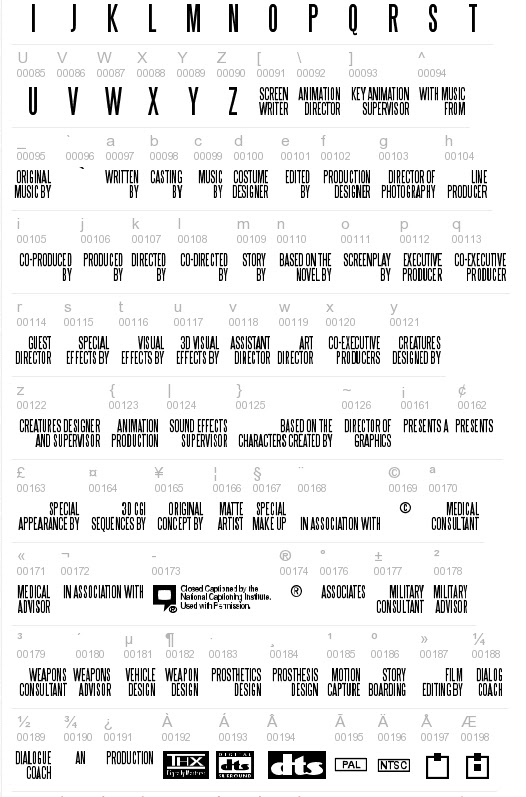
The Steel Tongs font is provided as an approved typography resource for building the billing block at the bottom of a film poster. Steel Tongs uses custom keystrokes for commonly used crew positions on the film production, which are describe below.
Maintaining consistent typography across official materials helps create a stronger and more unified visual identity for productions and program branding. Standardized font usage also helps students better understand the role that graphic design, typography, and visual consistency play within professional film marketing and presentation workflows.
Steel Tongs is the font to be used for the credit block on FSUFILM marketing materials. You’ll need to download the zip file (above) and install the font on your computer before starting work, otherwise the credit block will not display correctly.
Steel Tongs works by displaying certain keystrokes as credit titles or logos.
Lowercase letters, many punctuation symbols, and ALT key codes are translated into different graphical elements of a credit block. See below for a complete list of these.
All uppercase letters, numerals, and basic punctuation symbols (periods, commas, quotes, dashes, ampersands) will display as normal. This can be helpful if a needed credit for a poster is not one of the presets, as you can type it out manually.
Lowercase
a
WRITTEN BY
b
CASTING BY
c
MUSIC BY
d
COSTUME DESIGNER
e
EDITED BY
f
PRODUCTION DESIGNER
g
DIRECTOR OF PHOTOGRAPHY
h
LINE PRODUCER
i
CO-PRODUCED BY
j
PRODUCED BY
k
DIRECTED BY
l
CO-DIRECTED BY
m
STORY BY
n
BASED ON THE NOVEL BY
o
SCREENPLAY BY
p
EXECUTIVE PRODUCER
q
CO-EXECUTIVE PRODUCER
r
GUEST DIRECTOR
s
SPECIAL EFFECTS BY
t
VISUAL EFFECTS BY
u
3D VISUAL EFFECTS
v
ASSISTANT DIRECTOR
w
ART DIRECTOR
x
CO-EXECUTIVE PRODUCER(S)
y
CREATURES DESIGNED BY
z
CREATURES DESIGNER AND SUPERVISOR
Symbols
{
ANIMATION PRODUCTION
|
SOUND EFFECTS SUPERVISOR
}
BASED ON THE CHARACTERS CREATED BY
~
DIRECTOR OF GRAPHICS
\
ANIMATION DIRECTOR
^
WITH MUSIC FROM
_
ORIGINAL MUSIC BY
£
SPECIAL APPEARANCE BY
#
MAKE UP ARTIST
$
STUNT/FIGHT COORDINATOR
%
A*
*
A FILM BY*
+
IN ASSOCIATION WITH
[
SCREENWRITER
]
KEY ANIMATION SUPERVISOR
<
TECHNICAL ADVISOR
>
TECHNICAL SUPERVISOR
?
ASSISTANT TO CHIEF ANIMATOR
@
CINEMATOGRAPHY BY
!
CUSTOM LAYOUT BY
(
WRITTEN AND DIRECTED BY
)
ASSOCIATE PRODUCER
:
PRESENTS*
;
PRESENTS A*
/
AND*
=
PRESENTS AN*
ALT key codes
The following characters need to be accessed by holding down the ALT key while typing the character code number — e.g., hold the ALTkey and type 0131, then let the ALT key go and “MECHANICAL DESIGN” will appear.
This template provides a standardized framework for creating posters for live-action projects, helping ensure that all films are presented in a professional and visually cohesive manner across festivals, showcases, screenings, and promotional platforms. While students are encouraged to develop artwork that reflects the unique identity of their film, the template establishes baseline expectations for formatting, credits, resolution, and required information.
The goal is not to limit creativity, but to prepare students for the practical realities of professional film marketing and distribution. Poster design is often a key part of a project’s public identity, shaping first impressions for audiences, festival programmers, and industry professionals. Learning to balance artistic expression with technical specifications and marketing clarity is an important component of presenting work professionally.
This is the official poster template to be used in the creation of marketing materials for FSUFILM productions. Use it as your foundation for making something beautiful and compelling!
Do:
Make sure to install the Steel Tongs font on your computer before starting work on the poster. This is the font for the credit block.
Keep all of your layers inside the appropriate folders, so that everything remains well-organized when you deliver the final Photoshop file. Make sure all of your layers have appropriate names, so that someone else could make sense of what each layer is.
Take your artwork all the way to the edge of the frame, but keep any essential elements at least a quarter-inch from the edge, in case they are trimmed during printing.
Adjust the color of the credits, logos, and copyright to best fit the aesthetic of your poster concept. Be particularly mindful of the legibility of the credit block, as it can quickly become hard to read if the background is busy or if there’s not enough tonal separation between the credits and the background.
Don’t:
Do not adjust the dimensions or resolution of the file. It’s set up to meet the specs needed for printing.
Do not reposition or resize the logos or copyright.
MC projects are expected to follow a defined set of production specifications and content parameters. These guidelines are designed to establish manageable limits for production scope, including factors such as page count, shoot days, cast size, locations, visual effects, stunts, intimacy, animals, weapons, and other complex production elements.
These specifications help ensure that projects can be completed successfully within the available schedule, crew size, resources, and experience level associated with the course. The goal is not to limit creativity, but to help students learn how filmmakers shape strong stories within the practical constraints of time, safety, logistics, staffing, and available resources.
Content specs
Page count
8 pages (minimum) 12 pages (maximum)
Story runtime
9:00 (minimum) 15:00 (maximum)
Credits runtime
1:00 for credits + 0:10 for leader
Total runtime
10:10 (minimum) 16:10 (maximum)
Quantity of scenes
No limit
Quantity of locations
No limit
Quantity of characters
No limit
Children
Yes
Animals
Yes
Weapons
Yes
Stunts
Yes
Intimacy
Yes
Visual Effects
Must be approved by the Head of Visual Effects before production
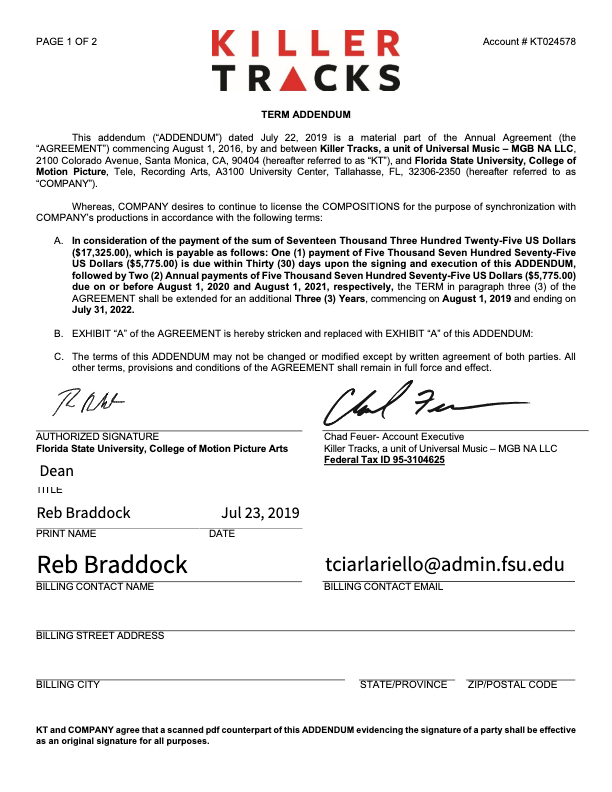
Universal Production Music provides licensed music resources that students may use within approved productions under the program’s educational licensing agreement. If a production features Universal Production Music on the soundtrack, the license below covers the work.
Music licensing is an important part of professional filmmaking because productions must ensure that all music used within a project is legally cleared for exhibition and distribution. Understanding how licensed production music libraries operate helps students develop stronger professional practices related to copyright, music supervision, rights management, and legal compliance within post-production and delivery workflows.
The College of Motion Picture Arts pays an annual fee to Universal Production Music for the licenses to the library music they provide on their site. No additional releases need to be signed for the use of this music, as long as you remain in accordance with this licensing agreement.