F1

Life Story Rights

Overview

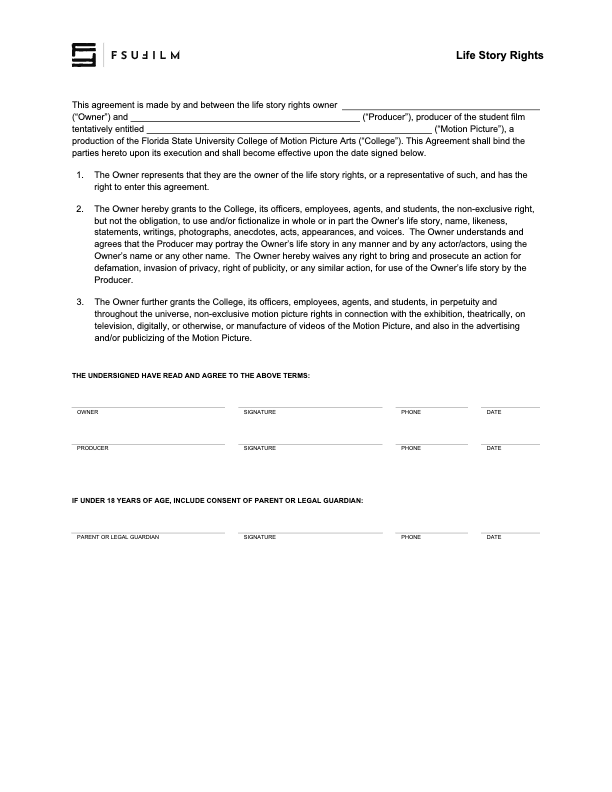
The Life Story Rights agreement is used when a production wants to use or fictionalize a person’s life story, name, likeness, statements, writings, photographs, anecdotes, acts, appearances, or voice. The Producer works with the owner of those rights to secure permission through the approved agreement.

This agreement is important because stories based on real people can involve significant personal, legal, and ethical considerations. Proper documentation helps ensure that the production has permission to use the material and that any changes to the agreement are approved in advance by the Head of Production.

Instructions

The Producer should use this contract agreement with the Owner of the life story rights, in order to use and/or fictionalize the Owner’s life story, name, likeness, statements, writings, photographs, anecdotes, acts, appearances, and voices.

All clauses in the agreement must remain unchanged, unless the Producer is authorized in advance by the Head of Production to make specific amendments to the contract.
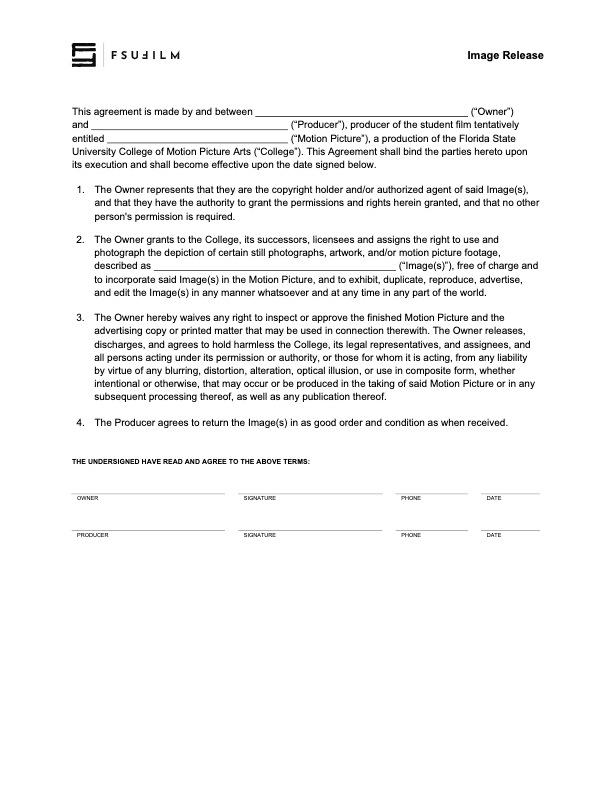
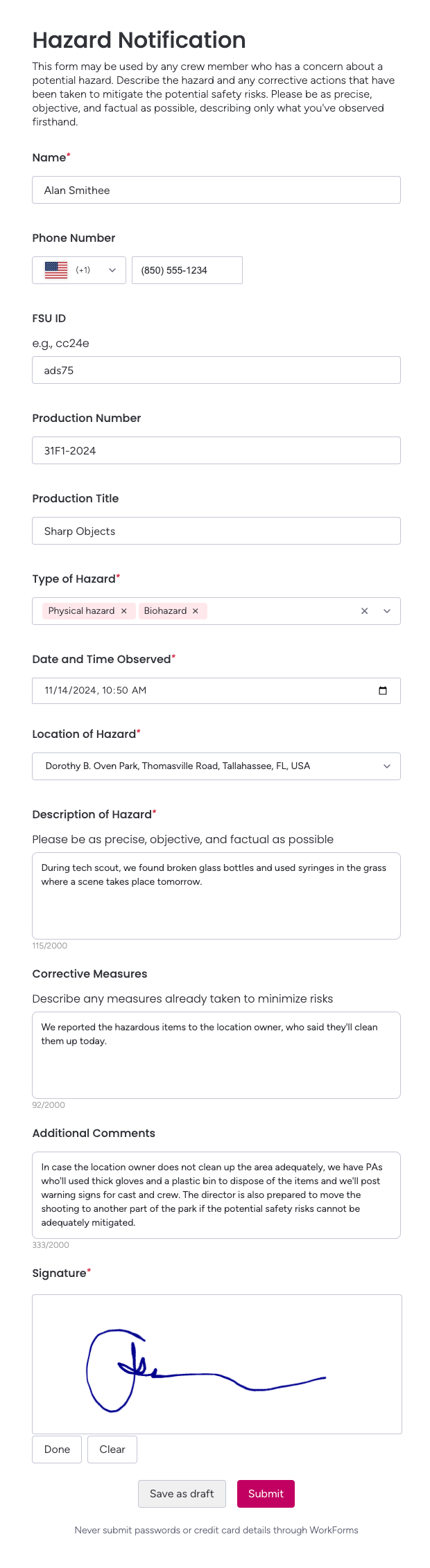
Image Release

Overview

The Image Release is used when a production wants permission to use or photograph a still image, artwork, graphic, or other copyrighted visual material in a film. The Producer secures the release from the copyright holder or authorized agent.

This form is important because images found online, in books, in archives, or in personal collections are not automatically available for use in student films. Proper releases help productions avoid rights issues during delivery, festival submission, online exhibition, or future distribution.

Instructions

The Producer should use this contract agreement with the copyright holder (or authorized agent) for the right to use and photograph the depiction of still photographs, artwork, and/or motion picture footage.

All clauses in the agreement must remain unchanged, unless the Producer is authorized in advance by the Head of Production to make specific amendments to the contract.
Hazard Notification

Overview

The Hazard Notification form may be used by any crew member who has a concern about a potential hazard during production. The form allows the crew member to describe the hazard and identify any steps they believe may be needed to address it.

This process is important because safety responsibility does not belong only to producers, department heads, and shop stewards. Giving any crew member a clear way to report hazards helps productions identify risks earlier, respond more responsibly, and reinforce a culture where safety concerns are taken seriously.

Instructions

The Hazard Notification form may be used by any crew member who has a concern about a potential hazard. Use the form to describe the hazard and to describe any corrective actions that have been taken (or could be taken). Please be as precise, objective, and factual as possible, describing only what you’ve observed first-hand.

Sample Form

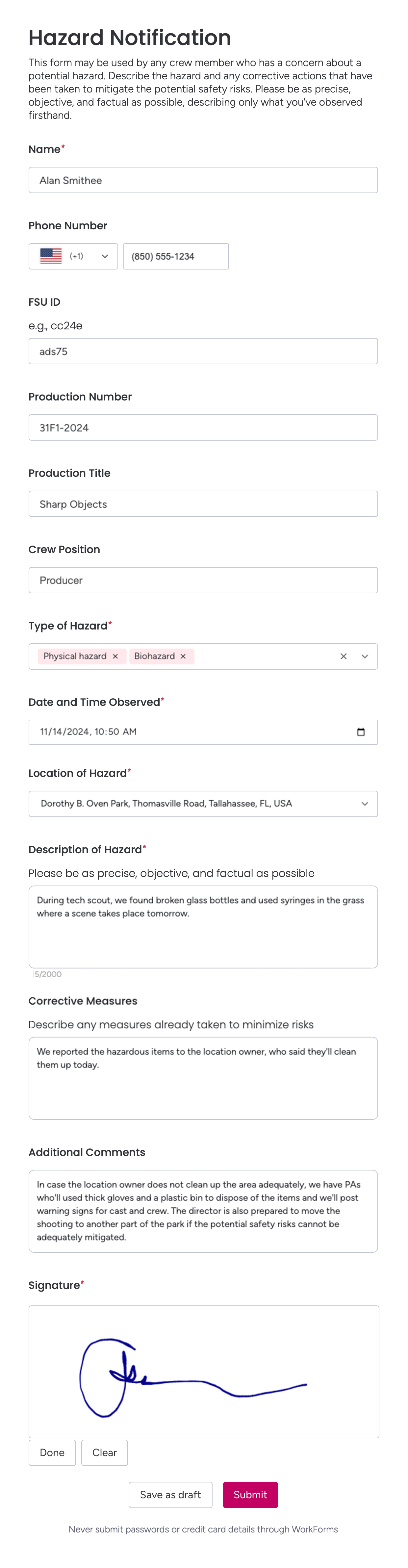
Here’s a sample of what the completed form should look like:

Sample form

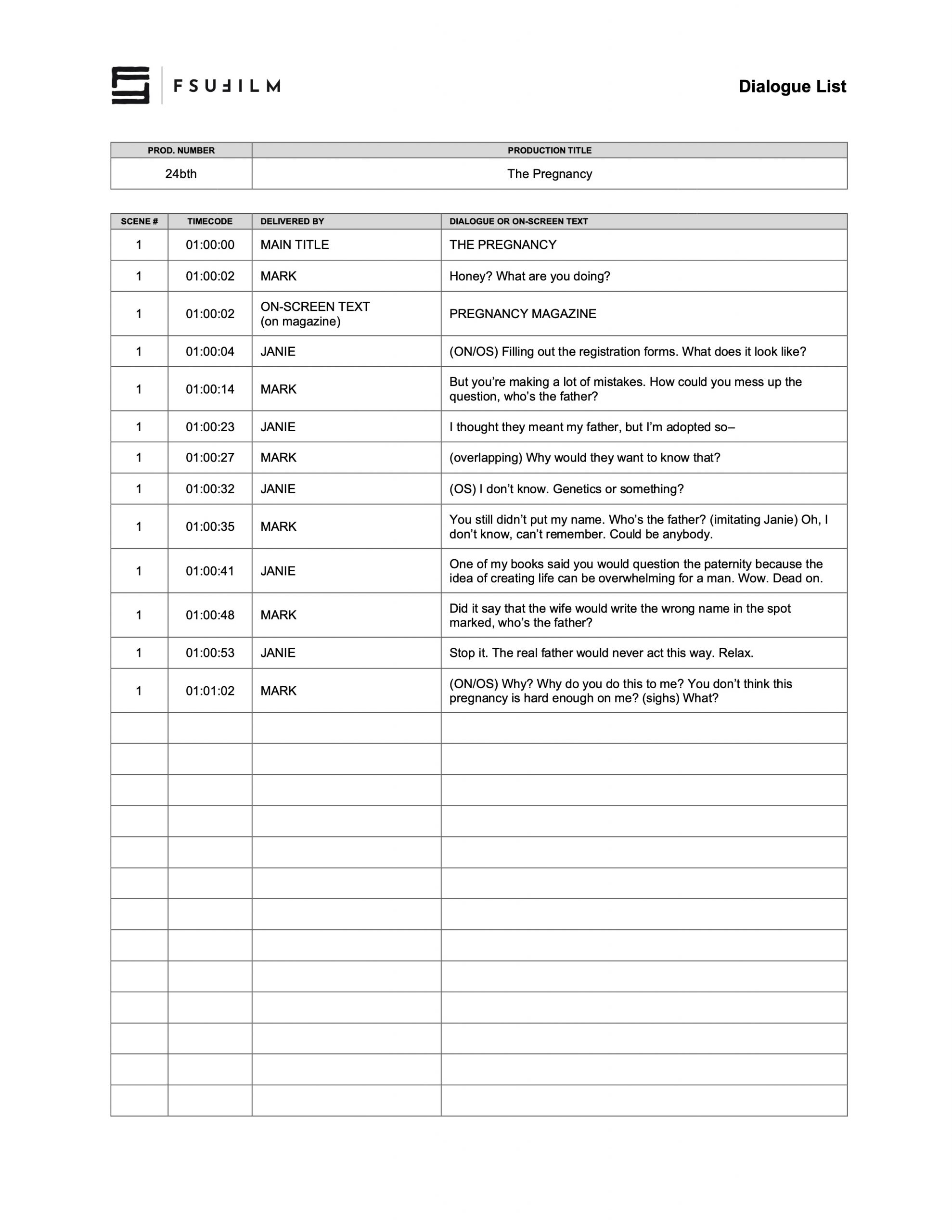
Dialogue List

Overview

The Dialogue List is a delivery document that identifies and organizes all spoken dialogue and on-screen text appearing in the finished film. This is used for captions, subtitles, accessibility workflows, sound post-production reference, and final delivery documentation.

Accurate dialogue documentation is important because downstream workflows such as captioning, subtitling, localization, accessibility compliance, and archival delivery depend on having a reliable written record of the film’s spoken content. Maintaining a clean and organized dialogue list also helps productions avoid inconsistencies or omissions during final delivery.

Instructions

When a film is sent to a foreign language film festival, the festival will add subtitles in the local language based on this Dialogue List. The form should include all spoken dialogue and on-screen text that is in the final film, including the timecode of when each occurs.

SAMPLE

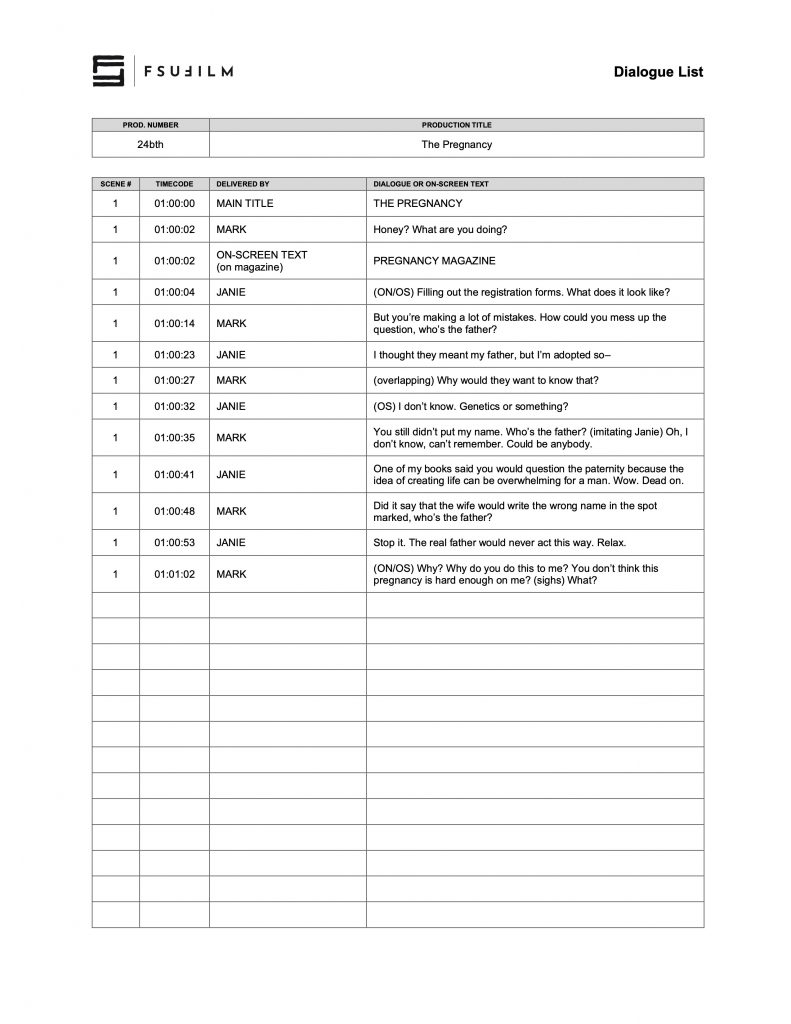
Here’s a sample of what the completed form should look like:

Sample of a completed form

Daily Production Report

Overview

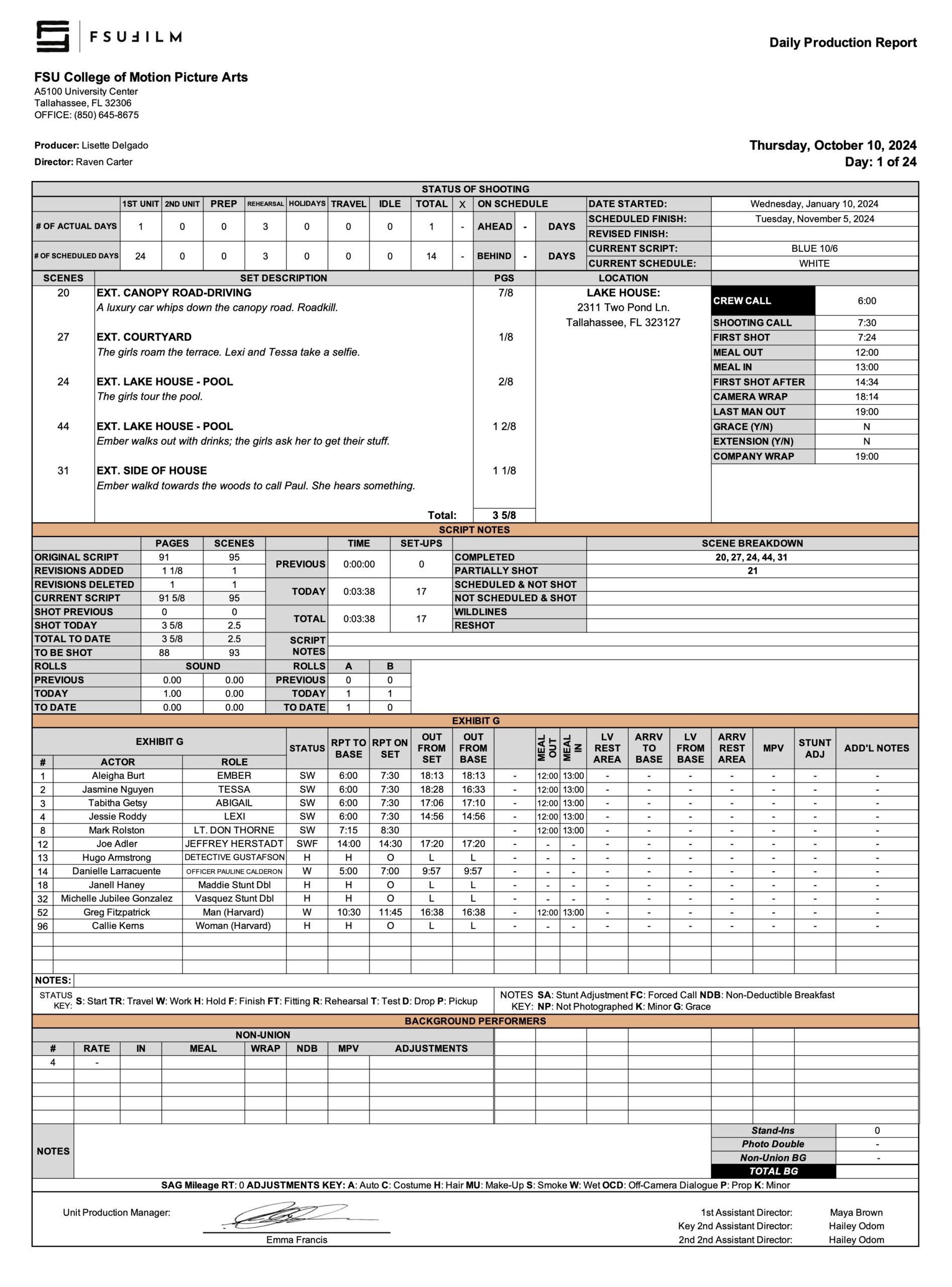
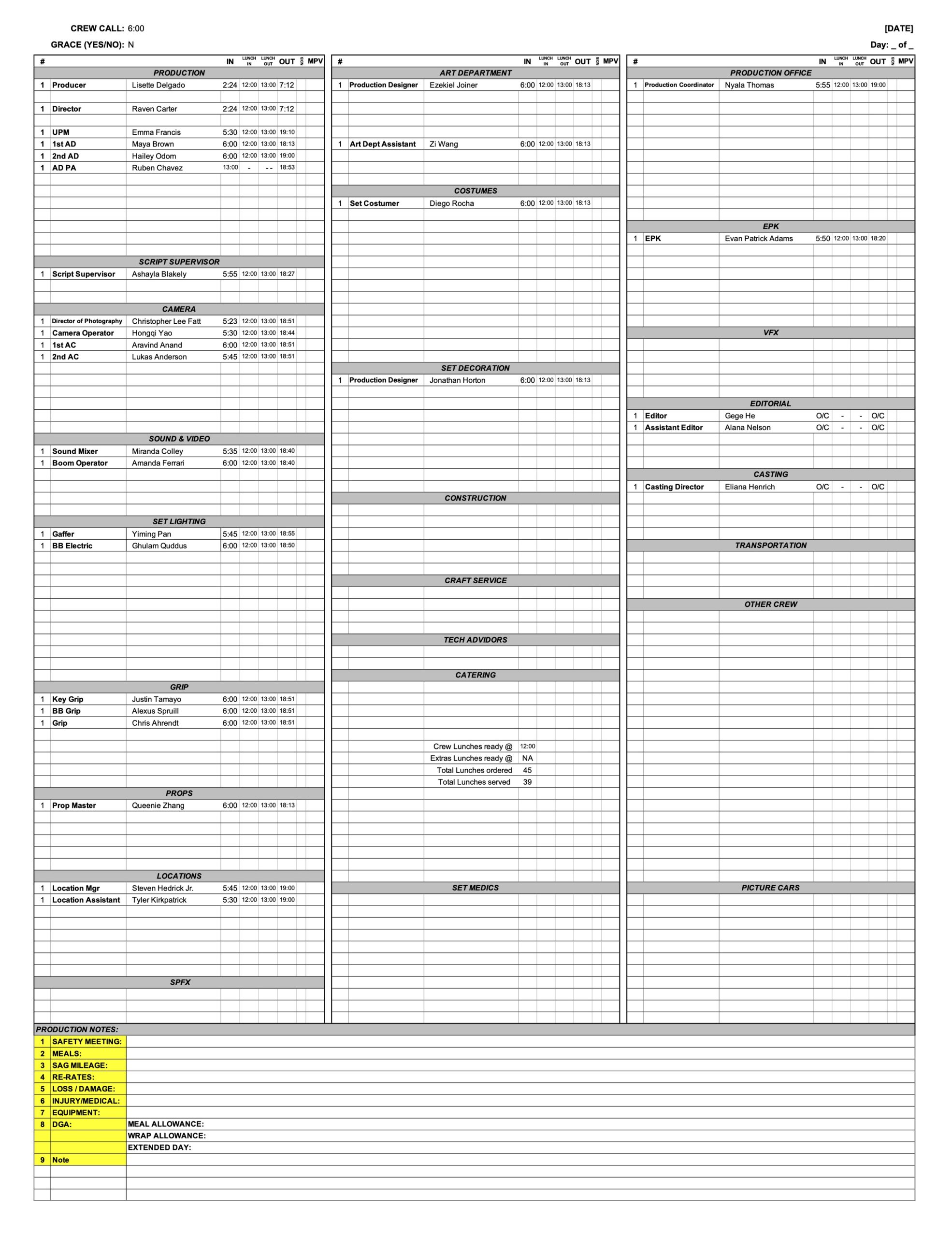
The Daily Production Report documents the major activities, progress, delays, incidents, scheduling information, and operational details associated with a production day. It serves as an official record of what occurred during filming and is completed at the end of each shoot day.

Daily reporting is important because productions rely on accurate records to track progress against the schedule, communicate between departments, identify emerging issues, and maintain accountability throughout the shoot. Consistent reporting also creates a valuable reference for post-production, faculty oversight, and future review of production operations.

INSTRUCTIONS

The Second Assistant Director is responsible for sending out a PDF of the Daily Production Report (DPR) at the end of every shooting day, no later than two hours after wrap. If the production does not have a dedicated Second Assistant Director, the First Assistant Director or Producer shall assume the responsibility.

The purpose of the DPR is to communicate important information from the day’s production, such as number of setups, start and end times, in and out times, reports on delays, and reports on equipment problems. If an urgent problem or situation arises on set, however, do not wait until the end of day to report it; contact the appropriate individuals immediately. (Make sure it is documented on the DPR at the end of the day as well, though.)

Post the completed DPR the “DPRs” channel on Teams. The PDF file should be formatted with production number and show title as follows: 

01f3-DPR-Day1.pdf

DPR Sample

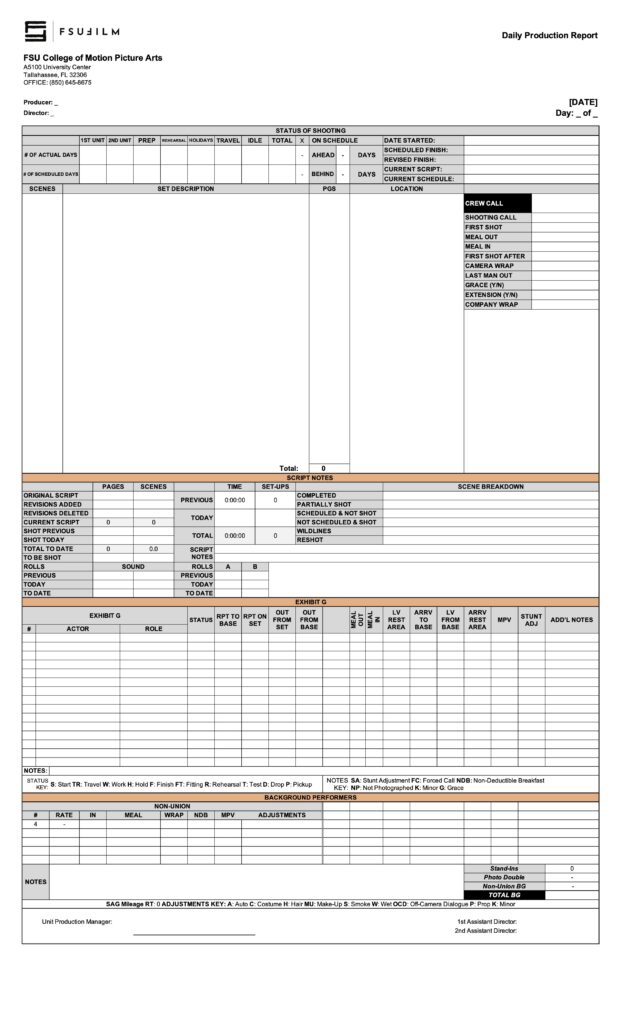
Here’s a sample of what the completed form should look like:

Sample DPR (page one)
Sample DPR (page two)

Crowd Release

Overview

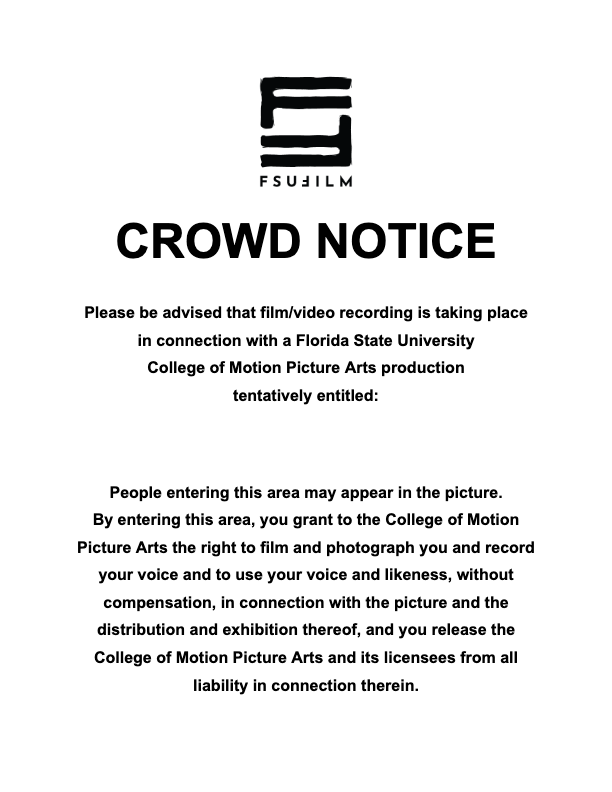
A Crowd Release grants the production permission to photograph and use the likenesses of individuals appearing as part of a crowd scene or public group within the film. It should be posted in highly visible places when a production cannot lock down a public space and get signed releases from all passersby.

This release is important because productions must secure permission to use identifiable individuals in footage intended for exhibition, festivals, online release, or distribution. Crowd releases help productions manage situations involving large groups more efficiently while still ensuring that participants have authorized the use of their image in the finished project.

Instructions

In some situations, especially in public spaces that the production cannot lock down, it is not always possible to get signed releases from every individual that appears in a shot. This Crowd Notice sign can be used in such situations to alert passersby that, by entering an area, their voice and likeness may be recorded and used in the film.

If a production plans to use this signage, the Producer should check in advance with the Location Owner to make sure they are okay with the signs being posted around the location.

When posting the signs, pay particular attention to the flow of passersby through the area. Identify strategic positions for placing the signs so that they are clearly visible to any passersby, but out of view of the camera.

Crew Sign In

Overview

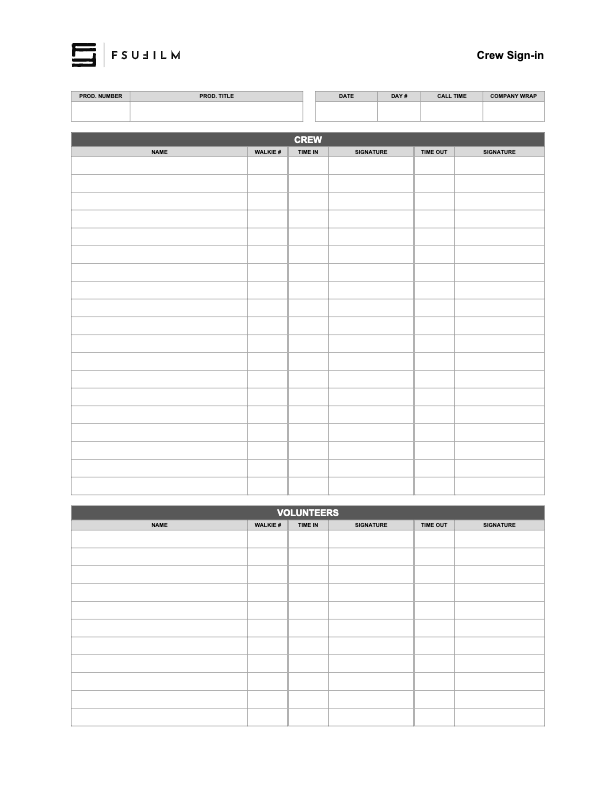
The Crew Sign In form is used to document crew attendance during production activities. It provides a record of which crew members were present on a given production day and is used to track arrival times, departure times, and walkie numbers.

Maintaining accurate attendance records helps productions stay organized and supports communication, scheduling, safety oversight, and administrative documentation throughout the shoot. Consistent sign-in procedures also help reinforce professional production practices related to accountability and crew coordination.

Crew Replacement Approval

Overview

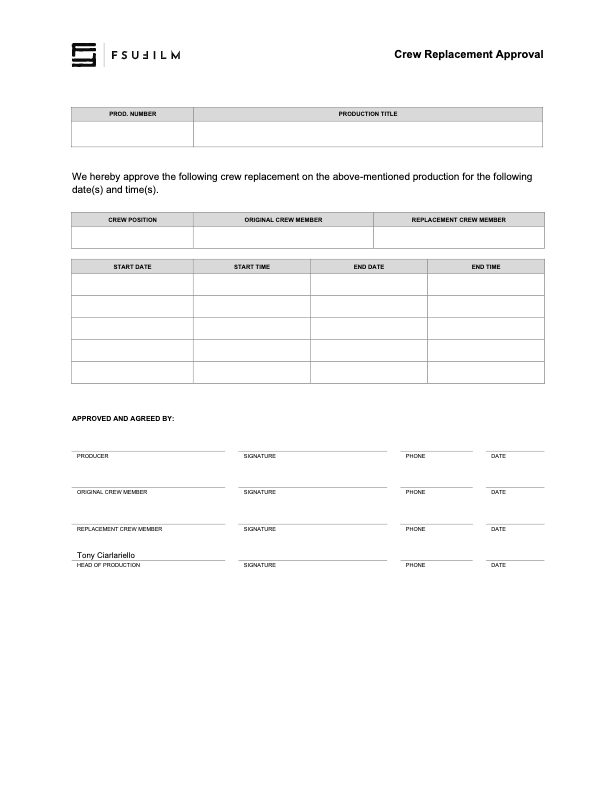
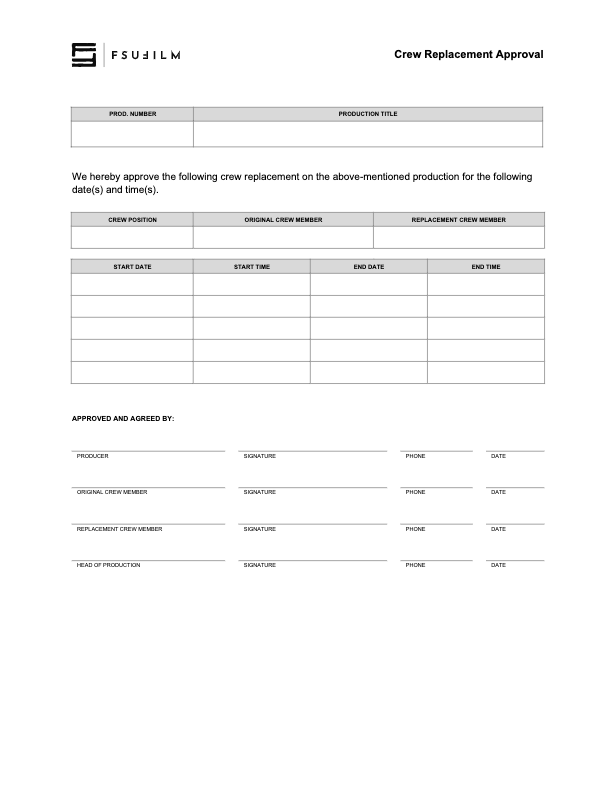
The Crew Replacement Approval process is used when a production seeks permission to replace a crew member after assignments have already been finalized.

Crew changes can affect scheduling, training, department continuity, collaboration, and the overall balance of the production structure. Requiring formal approval helps the school evaluate whether the proposed change is appropriate, manageable, and consistent with the educational and operational needs of the production.

Instructions

This paperwork should be submitted when requesting that a crew member be replaced by another student. It requires the signatures of both the original crew member and their replacement, as well as the Producer and the Head of Production.

If crew members are switching positions on a productions, a separate form should be submitted for each crew position.

Crew Deal Memo

Overview

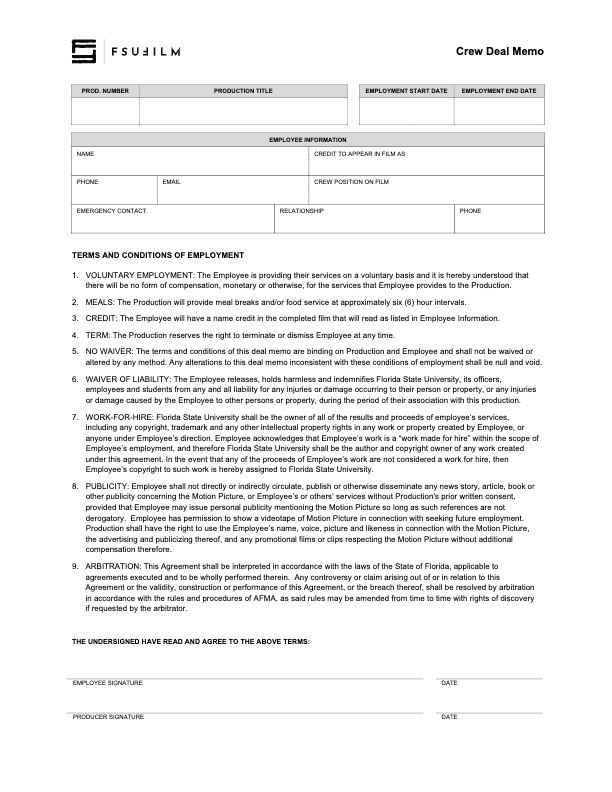
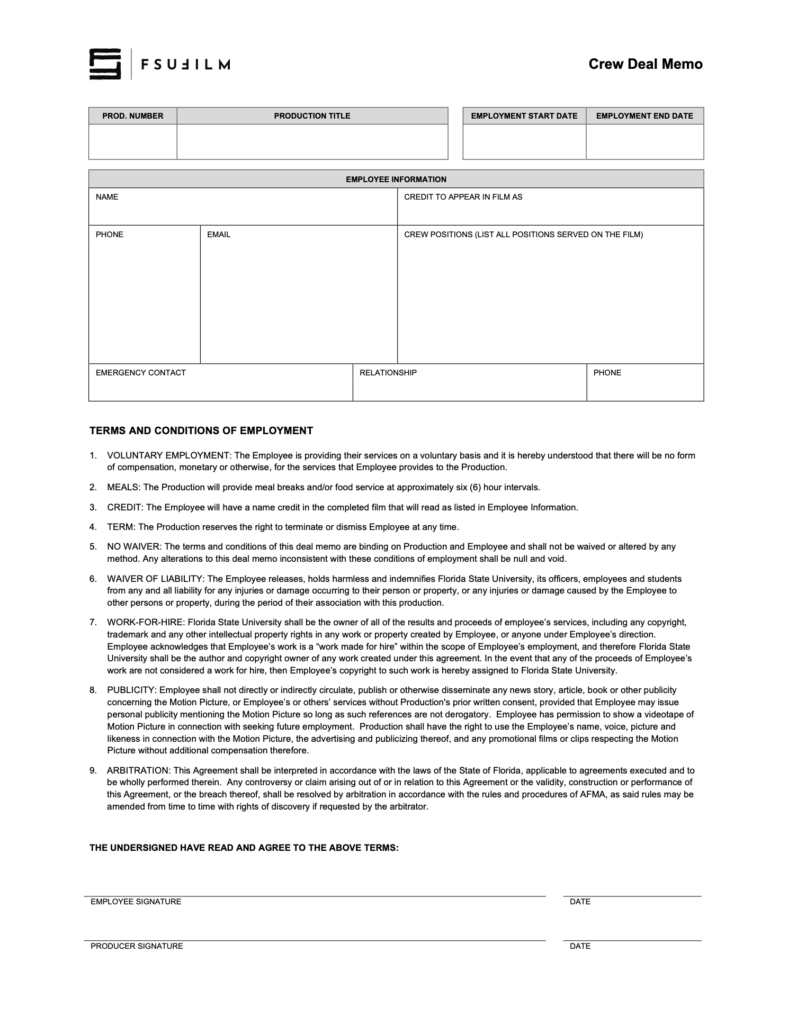
A Crew Deal Memo documents the basic terms and expectations associated with an individual’s participation as a crew member on a production. This includes information related to responsibilities, dates of participation, screen credits, emergency contacts, and other production expectations.

Clear crew documentation is important because productions depend on well-defined responsibilities and mutual understanding between collaborators. Maintaining formal agreements helps reduce confusion, supports accountability, and reinforces professional production practices related to staffing and crew organization.

Instructions

The Producer must ensure that all crew members complete a Crew Deal Memo at the start of the period of employment on the production. The deal memo outlines the terms and conditions of employment (which may not be modified) and defines the screen credit(s) in the finished film.

During final delivery of paperwork, a single form is used to collect all the deal memos for assigned crew positions. To prepare for this, it is recommended that producers either:

  1. Organize digital scans of all the crew deal memos before starting work on the form submission, then drag each PDF into the appropriate field in the form; or
  2. Organize paper copies of all the crew deal memos, then take a photo of each memo using the camera feature in the appropriate field in the form.

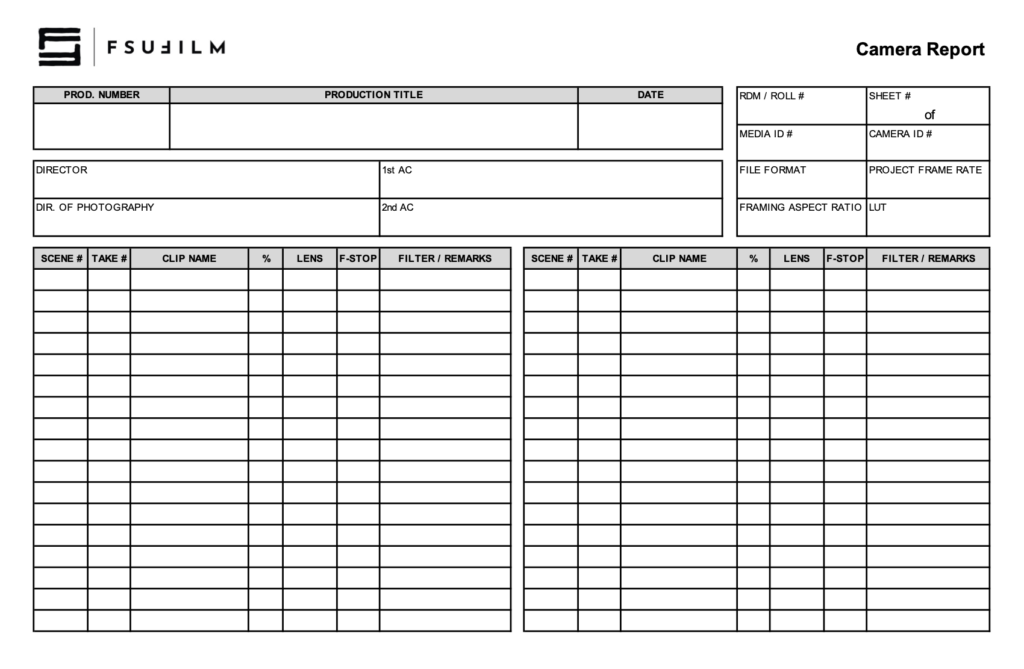
Camera Report

Overview

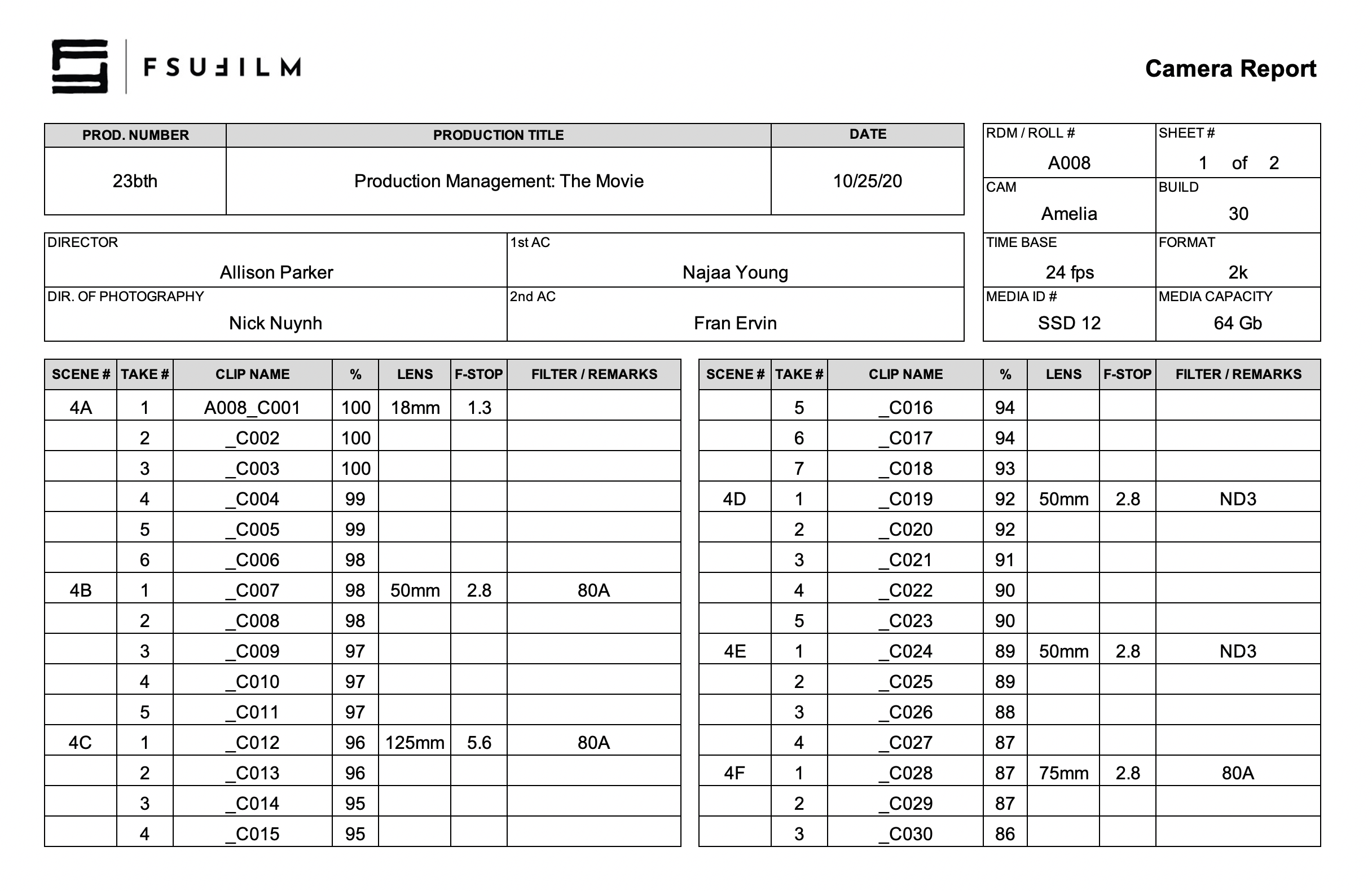
The Camera Report documents technical and organizational information related to footage recorded during production. This includes scene and take information, media card tracking, camera settings, lens and filter data, and other production details associated with camera operations.

Accurate camera reports are important because editorial and post-production workflows depend heavily on reliable production records when organizing and reviewing footage. Consistent reporting helps reduce confusion, improve media management, and support smoother communication between camera, script supervision, editorial, and post-production departments.

INSTRUCTIONS

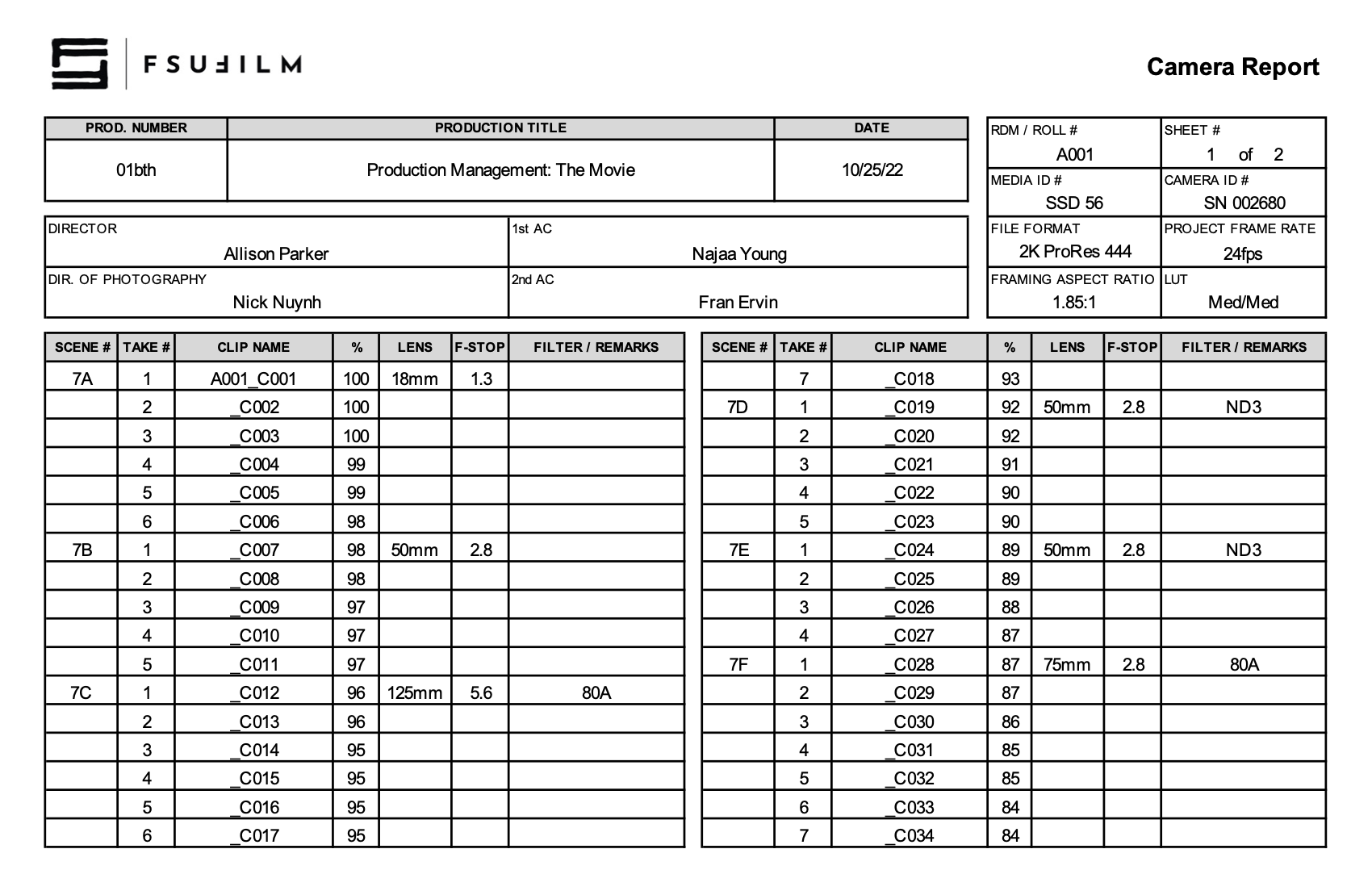
The 2nd AC completes the Camera Report. For the info in the top-right corner:

  • RDM/Roll #: A sequential numbering of each of the camera cards used. For example, the first camera card used on day 1 would be A001. The next camera card used, say on day 2, would be A002. And so on.
  • Sheet: A sequential numbering of Camera Reports for each camera card. For example, for camera card SSD 56, you start with Sheet 1. If you fill up Sheet 1, then you would continue on a new Camera Report, Sheet 2. And so on.
  • Media ID #: The ID number on the camera card.
  • Camera ID: The serial number that can be found on the bottom of the camera.
  • File Format: The file format that is set on the camera menu. Standard for Red Epic is 2K ProRes 444.
  • Project Frame Rate: The frame rate of the project edit timeline. Standard is 24fps.
  • Framing Aspect Ratio: The aspect ratio used for the camera framing guides.
  • LUT: The Look Up Table settings that were selected in the camera menu.

SAMPLE

Here’s a sample of what the completed form should look like:

Sample of a completed form